In 2025, AI picture editing has developed into a strong creative tool that allows individuals to create ultra-realistic, customized images in seconds. One of the most engaging trends is the use of Birthday Name AI Photo Editing Prompts, which allow users to create stunning birthday images with their names and personalised messages. AI tools such as Bing AI Image Creator can bring your ideas to life, whether you’re making a digital birthday card, a social media post, or a personalized gift.
In this article, we’ll guide you on how to make a personalized birthday name image and modify it according to your needs using Bing AI and AI prompts.
Table of Contents
Best Prompt Ideas for Birthday Name Images in 2025
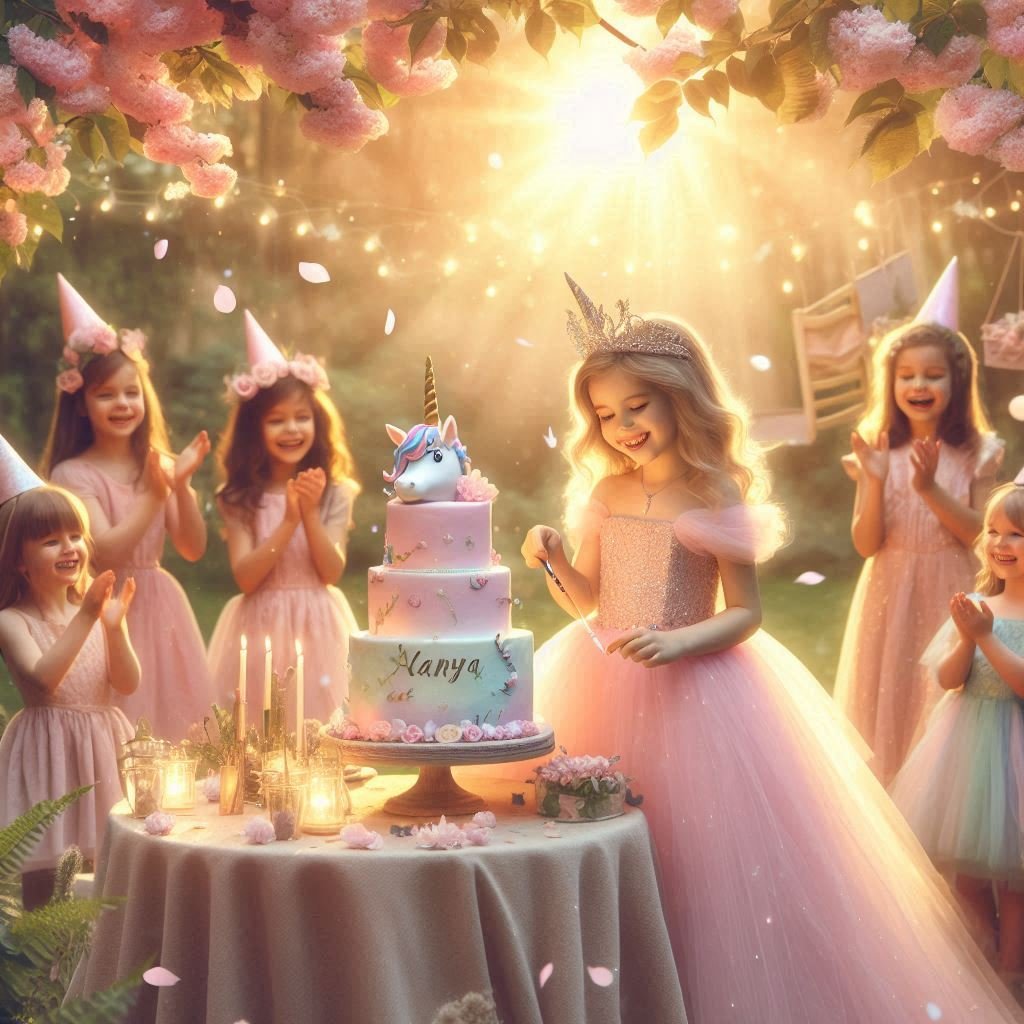
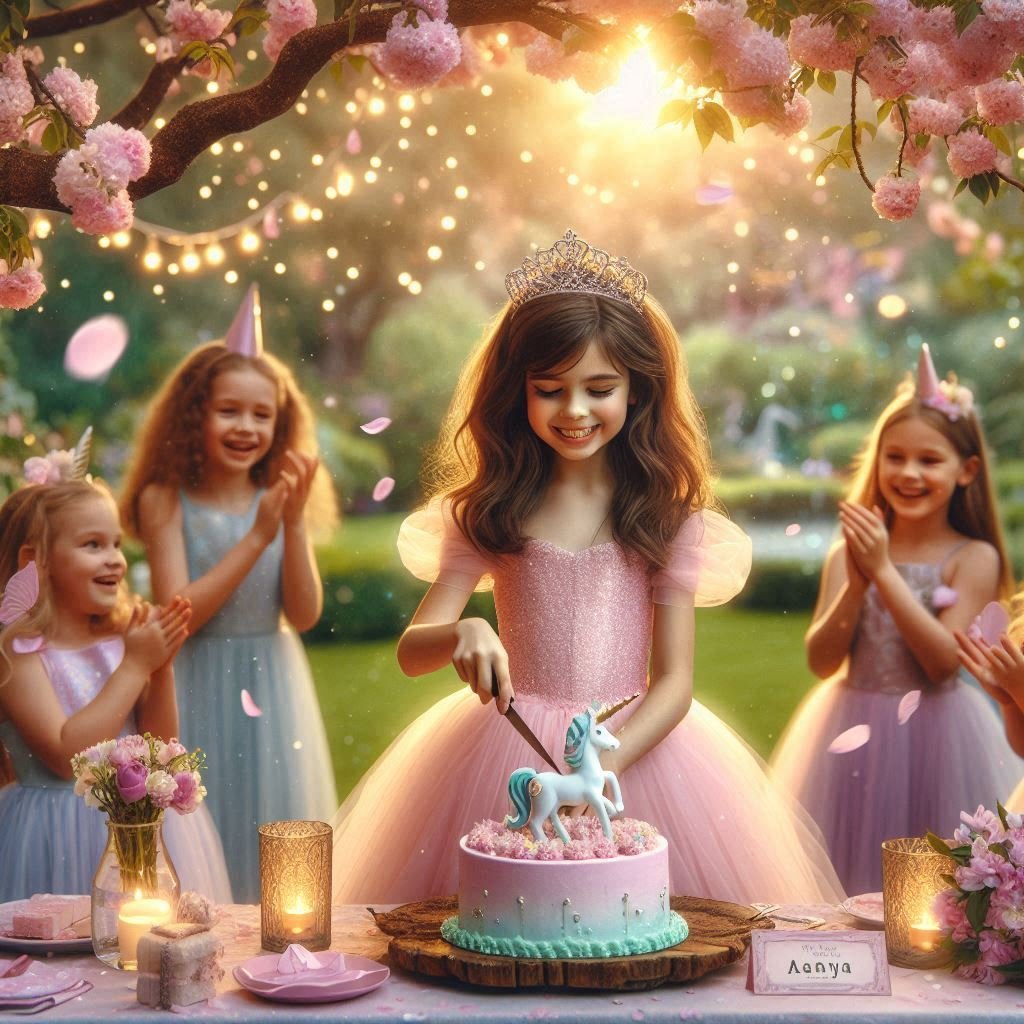
1. Princess Garden Party Theme (Girls – Age 6–10)
Prompt: Create a realistic image of a magical garden birthday party at golden hour. A young girl named ‘Aanya’ is dressed in a pastel pink princess gown with a tiara, standing beside a unicorn-themed cake and cutting it with a joyful smile. Her friends, dressed as fairies, clap and cheer around her. Cherry blossom petals float through the air, fairy lights twinkle between trees, and a glowing scroll displays her name above the table. The background shows lush greenery, soft sunlight, and whimsical details like butterflies and lanterns. DSLR-style, ultra-realistic lighting, shallow depth of field, dreamy enchanted mood.
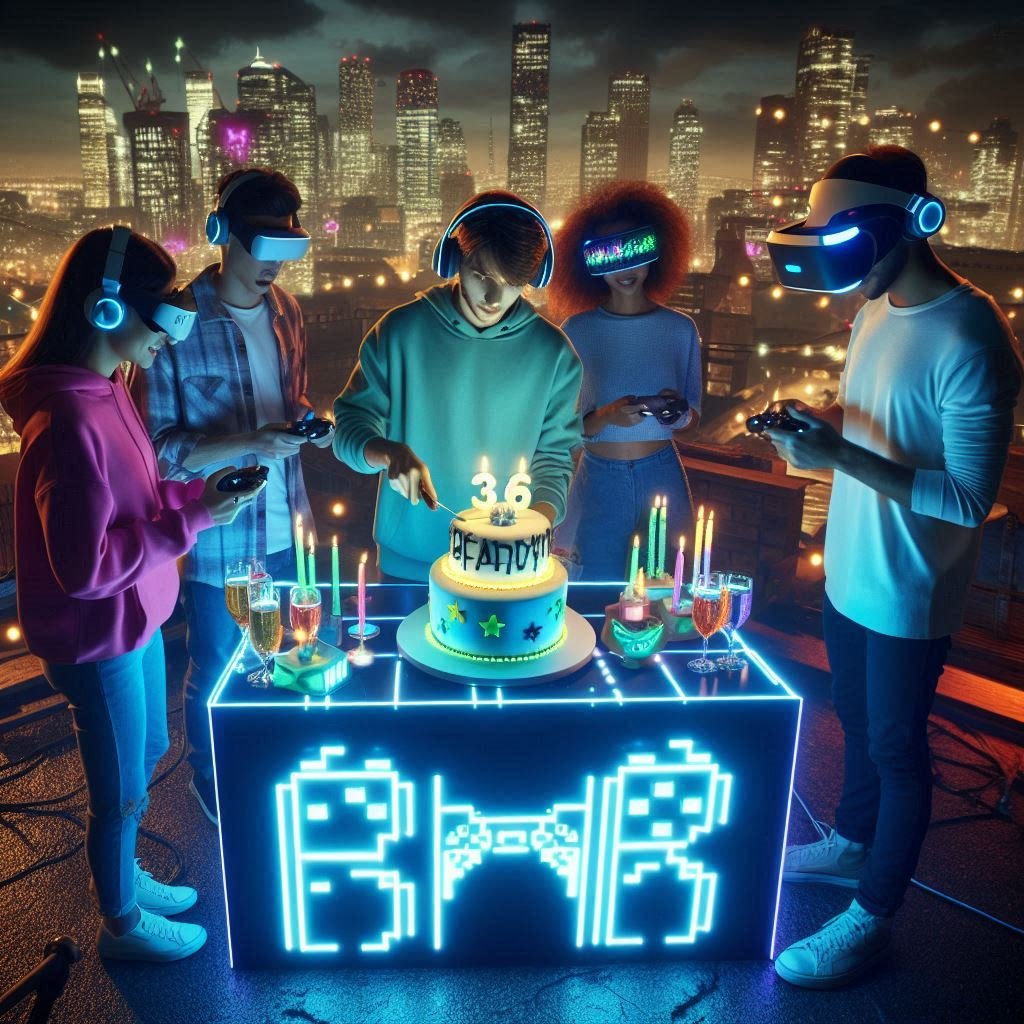
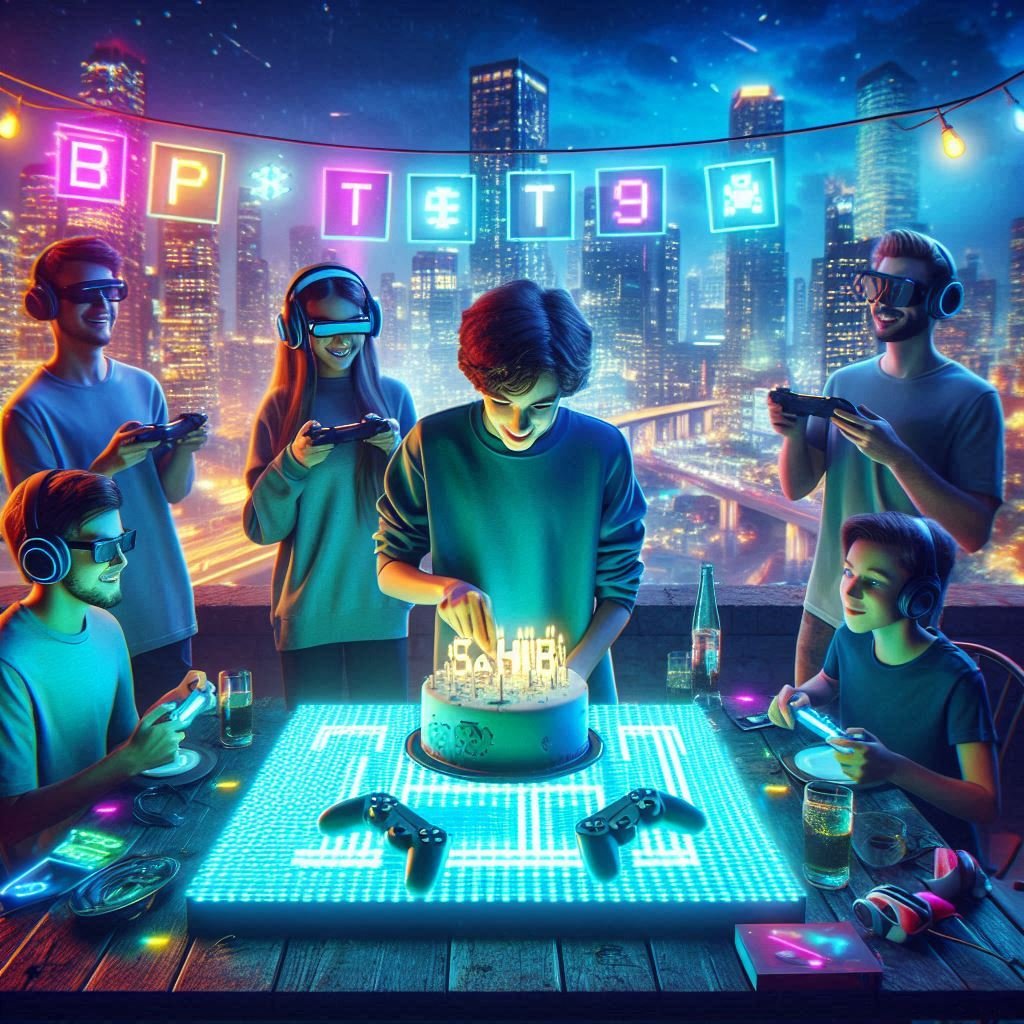
2. Rooftop Gamer Party (Boys Teens, Urban Night Scene)
Prompt: Create a realistic image of a teenager named ‘sahib’ celebrating his birthday on a city rooftop at night, surrounded by friends and glowing neon gamer decorations. He is cutting a cake shaped like a VR headset on a futuristic LED table while his friends hold controllers and wear headsets. A big LED sign displays his name in glowing pixel font. The skyline sparkles behind them, and colorful lights flash across the rooftop. The vibe is urban, cool, and high-tech. Cinematic cyberpunk lighting, high-definition photo-realism, energy-filled atmosphere.
3. Elegant Villa Celebration (Adults – Classy Evening Theme)
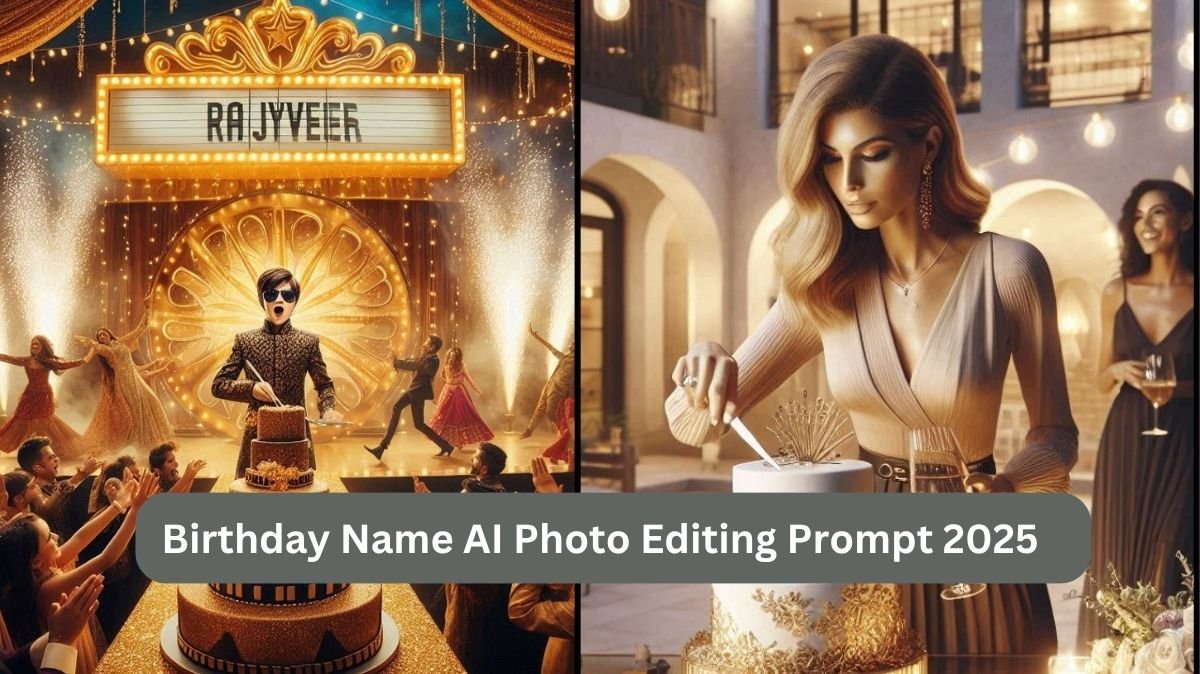
Prompt: Create a realistic image of an elegant evening birthday party at a luxurious open-air villa. A stylish woman named ‘Anjali’ is gracefully cutting a tall designer cake with gold accents, surrounded by friends holding glasses of wine under soft hanging lights. The name is written in gold foil on a clear acrylic topper, with candles and floral decor on the glass table. The Mediterranean villa architecture forms the backdrop, and the lighting is warm, with cinematic shadows and soft depth. Photorealistic DSLR capture, classy modern aesthetic.
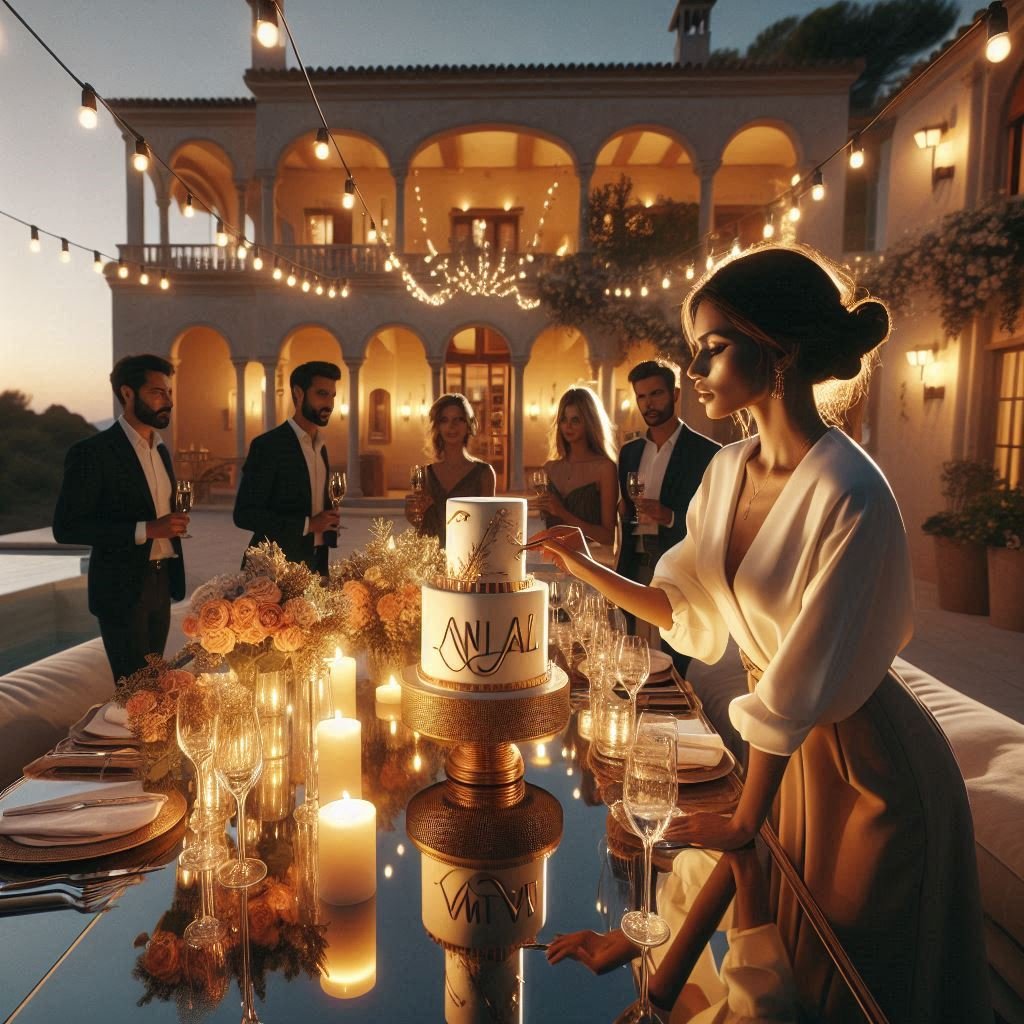
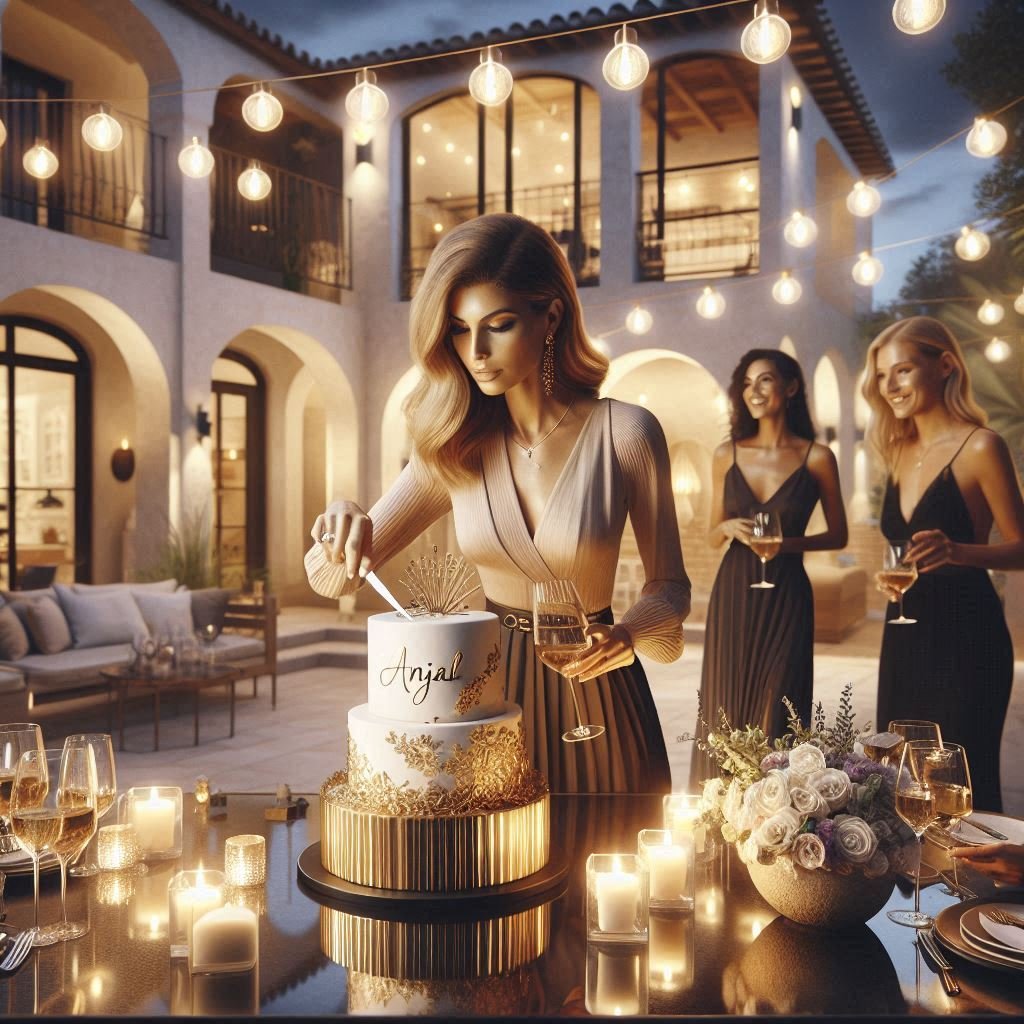
4. Cartoon Carnival Backyard Theme (Young Kids – Fun & Bright)
Prompt: Create a realistic image of a colorful backyard carnival birthday for a little girl named ‘Mira’, filled with balloons, cartoon animals, clowns, and rainbow tents. She’s cutting a rainbow cake with wide eyes and joy while her friends in animal costumes surround her. The name ‘Mira’ is written in crayon-style letters on a giant party signboard. Bubbles float through the air, confetti explodes in the background, and the whole vibe is pure fun and color. Bright natural lighting, slight cartoon-filtered realism, cheerful and vivid.
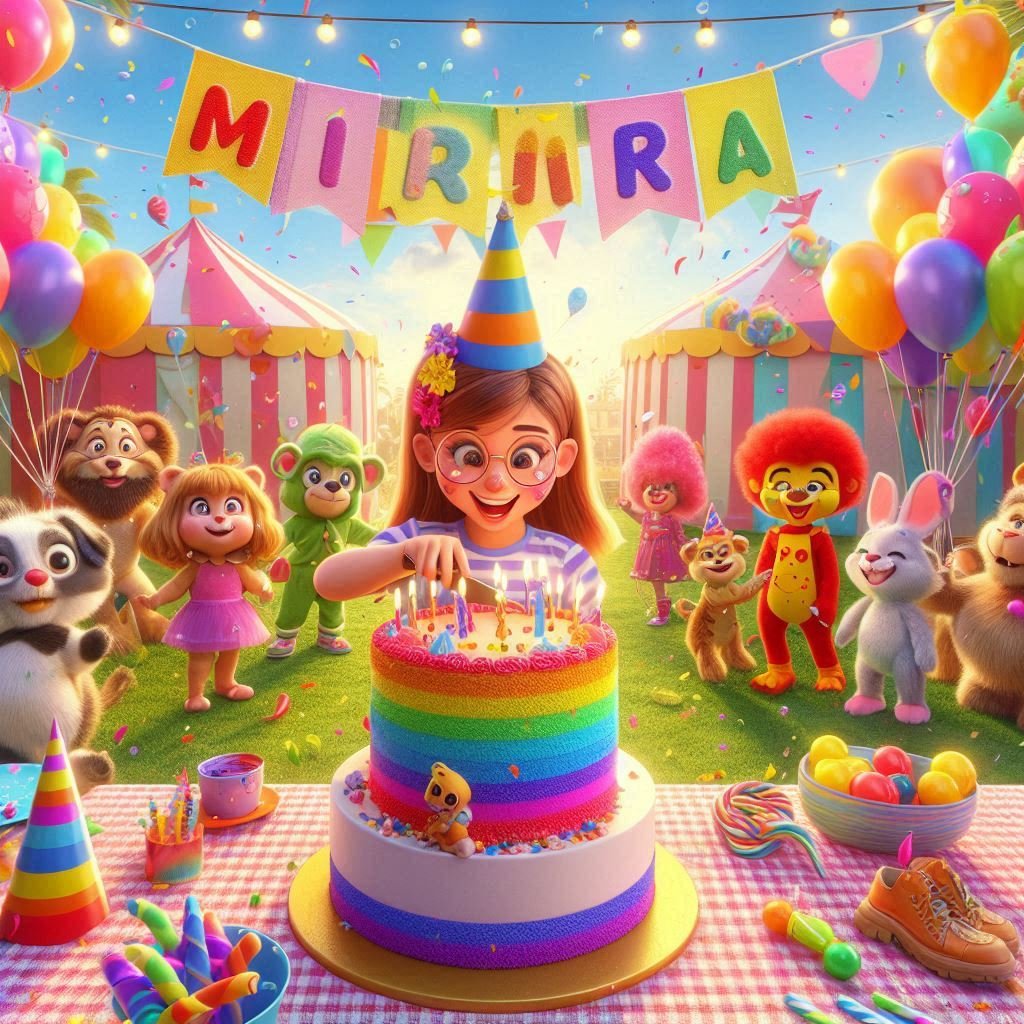
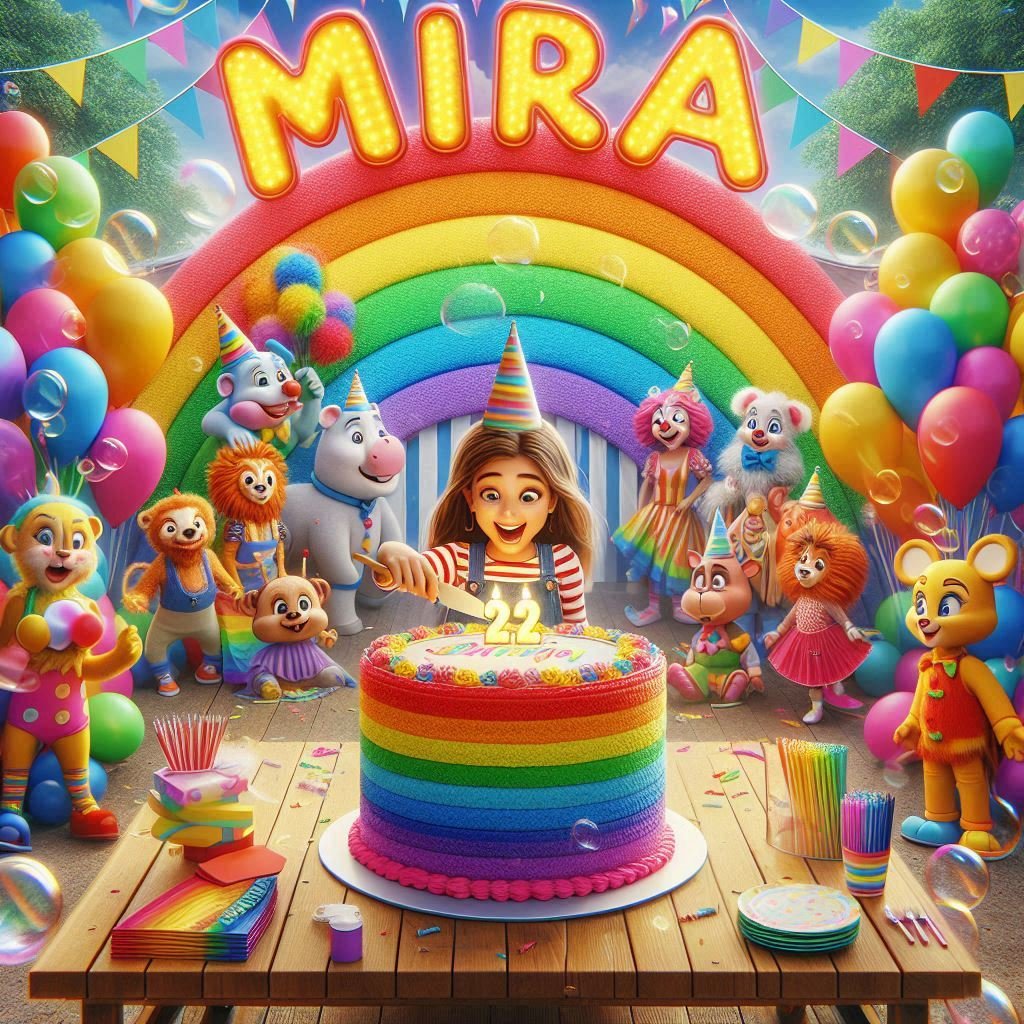
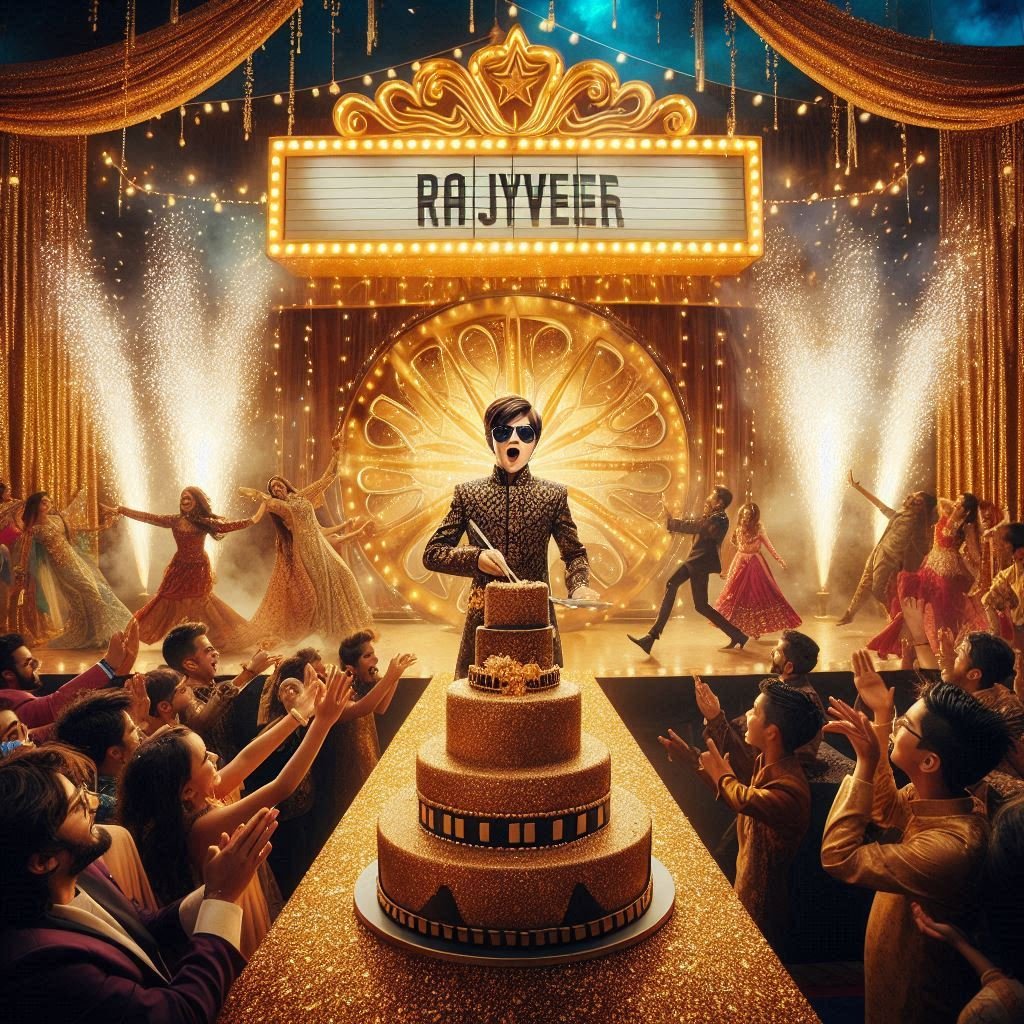
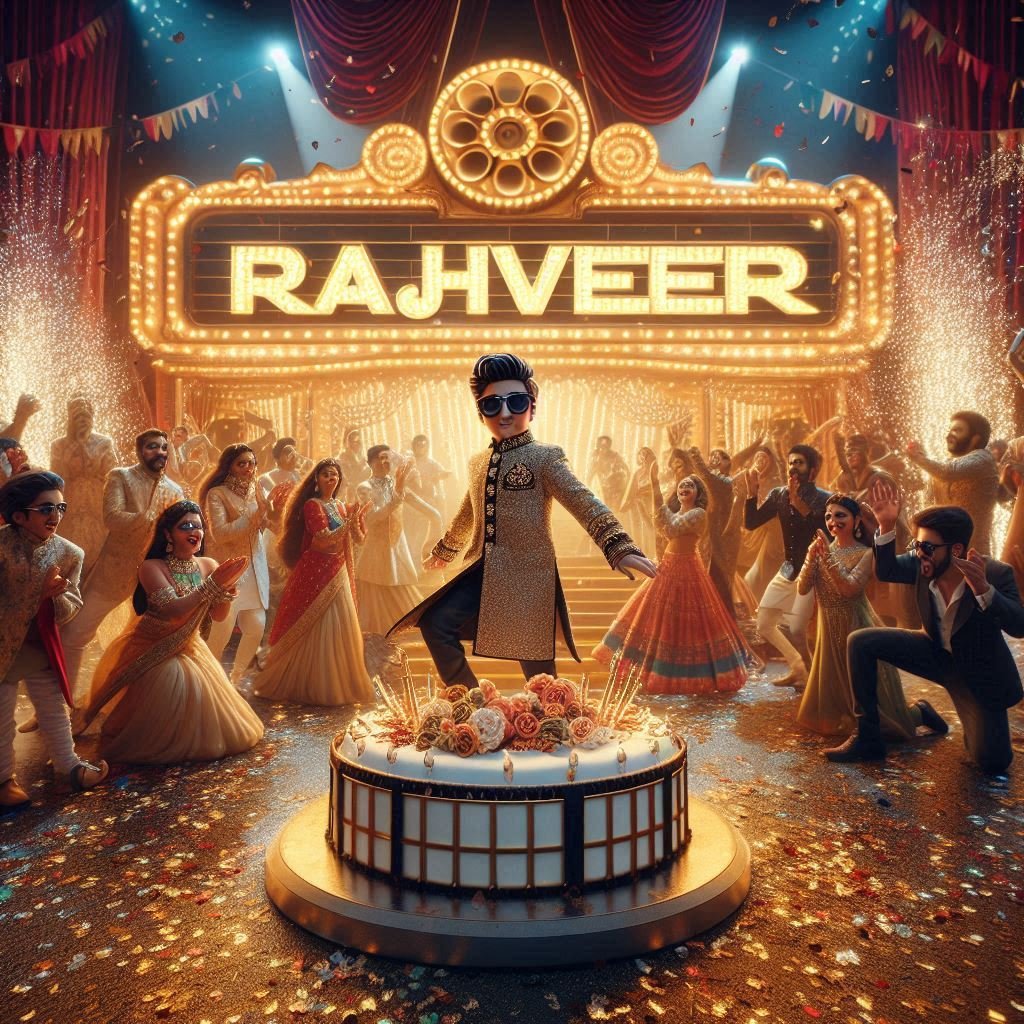
5. Bollywood Stage Birthday Bash (Boys – Glamour & Music)
Prompt: Create a realistic image of a high-energy Bollywood-style birthday party for a boy named ‘Rajveer’, held on a decorated stage with velvet curtains and shimmering gold lights. He is wearing a sherwani and sunglasses, cutting a massive cake shaped like a movie reel, with his friends dancing around him. Fireworks and glitter explode as his name appears in 3D Bollywood marquee font above the stage. The crowd claps and cheers, dancers twirl in traditional outfits, and the scene bursts with color and movement. Vibrant, cinematic, festival-style realism with motion blur and sharp foreground.
What is a Birthday Name AI Photo Editing Prompt?
A Birthday Name AI Photo Editing Prompt is a text instruction that directs an AI image generator to create a personalized image for someone’s birthday, including the person’s name in the image. These prompts are particularly popular for:
- Social media birthday shoutouts
- Digital greeting cards
- Customized gift prints
- Birthday banners and posters
These prompts allow you to control style, theme, colors, background, text design, and mood.
How to create a Birthday Name Image with Bing AI
Here’s how you can create a custom birthday name image using Bing AI Image Creator in 2025:
Step 1: Visit Bing AI Image Creator
- Go to Bing AI
- Log in using your Microsoft account for access to prompt generation credits.
Step 2: Prepare Your Prompt
Choose any of the above prompts, or if you want to make any customized image, then use this prompt structure for the best results:
Example: “Elegant birthday scene with rose-gold theme, cake and candles, floral background, sparkles, and the name ‘Sahib’ in glowing cursive font on the cake, 8K UHD, digital art.”
Step 3: Paste and Submit the Prompt
- Paste any of the above prompts or your custom prompt into the prompt box.
- Click “Create” and wait for Bing AI to generate multiple image variants.
Step 4: Review and Download
- Select the best version of the output.
- Click “Download” or “Save As”.
- Now you can use it on your social media platforms.
Tips to Make Your Image Stand Out
- Use specific colors to match the birthday theme (e.g., rose gold, blue & silver, lavender).
- Include age details like “Happy 18th Birthday [Name]” for personalized messaging.
- Mention scene setting like “on a beach,” “under fairy lights,” or “in outer space.”
- Style the name with phrases like “in cursive golden foil font” or “as glowing neon signage.”
- Request photo orientation: vertical for stories, square for posts, landscape for banners.
Why Use Bing AI Image Creator for Birthday Name Prompts in 2025?
Bing AI, powered by DALL·E, supports highly detailed prompt processing and text-to-image creation. whereas it offers:
- Free access to high-resolution images
- Smart prompt interpretation
- Realistic birthday theme generation
- Name styling and artistic typography integration
- Fast output with multiple design versions
Where to Use Your AI Birthday Name Image
Once you’ve created the perfect image, put it to great use:
- Instagram stories and reels
- Facebook timeline posts
- WhatsApp and Telegram greetings
- Digital invitations
- Birthday countdowns
- Event backdrops or printables
Advanced Prompt Techniques for Professionals
If you’re a designer or digital marketer, take your prompts further:
- Use modifiers like “hyper-realistic,” “depth of field,” “lens blur,” and “cinematic color grading.”
- Try aspect ratios like “2.39:1” for film-style or “1:1” for square posts.
- Add emojis or 3D objects like “3D balloons,” “heart shapes,” or “glow-in-the-dark stars.”
Conclusion
In the digital age of 2025, personalization is essential, and AI picture editing prompts enable everyone to create amazing, customized birthday images with no effort. Whether you’re celebrating a child’s memorable birthday, a friend’s gaming-themed party, or an amazing corporate gathering, Bing AI Image Creator provides a wide, quick, and creative alternative for producing eye-catching results.
FAQs
Q1: Is Bing AI free to use for photo generation?
Ans. Yes, Bing AI Image Creator offers a limited number of free prompts per user daily.
Q2: Can I use AI-generated birthday images commercially?
Ans. For personal use, it’s generally fine. For commercial purposes, always review usage rights depending on the platform.
Q3: Can I add multiple names to the image?
Ans. Yes, simply modify your prompt like: “with names ‘Sahib & Kour’ in gold cursive on the cake.”