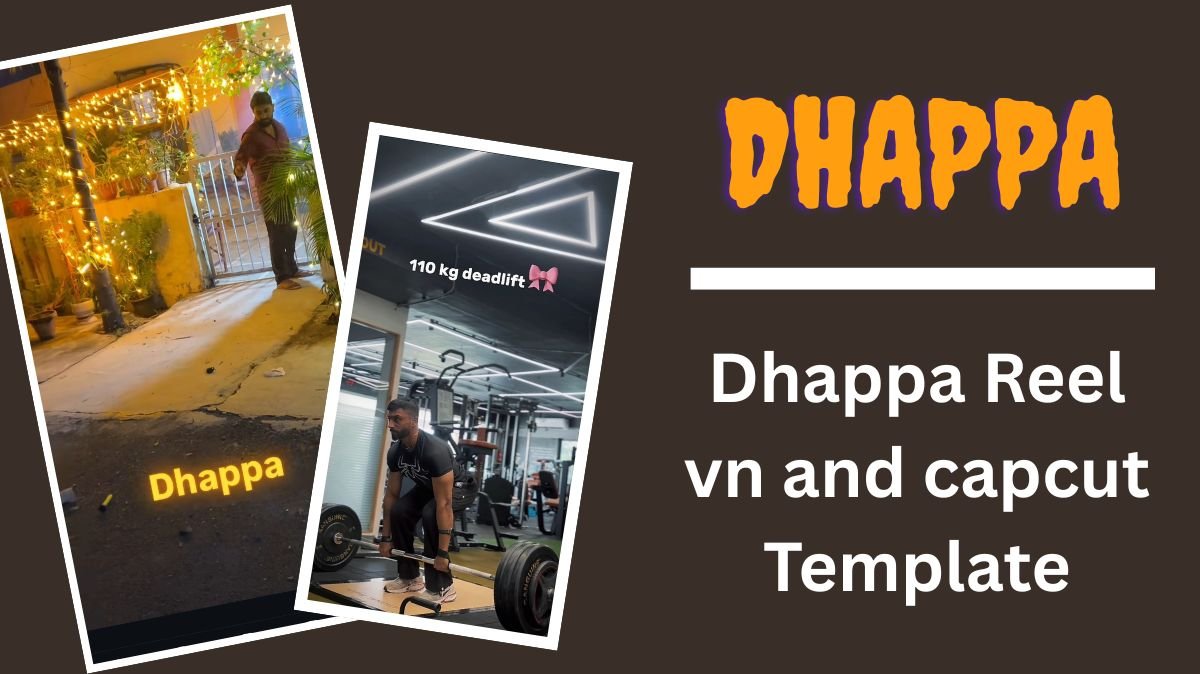
Recently, a new trend has taken over social media: the Dhappa Reel Edit. The word “Dhappa” is a slang term often used to surprise someone, and that’s exactly what this viral trend does. The video usually starts by showing moments of struggle or low points in life, and just when the audience least expects it, the beat drops with the word “Dhappa”, revealing an inspiring transformation, success, happiness, or glow-up.
This creative and emotional transition has captured millions of hearts online. If you’ve been inspired by this trend and want to create your own version, we’ve got you covered! Below, we’re sharing the best VN Code and CapCut Template for the Dhappa Reel Edit 2025 that you can use instantly.
Table of Contents
What Is the Dhappa Reel Trend?
The Dhappa Reel Trend is a storytelling reel format where you show your life journey, from struggles to achievements. It’s emotional, powerful, and relatable. The “Dhappa” moment represents the sudden shift — the surprise that symbolizes your growth or success. This format is perfect for creators, students, entrepreneurs, and anyone who wants to showcase their transformation journey.
How to Use the Dhappa Reel Template Edit in the VN App
If you’re using the VN Video Editor, follow these easy steps:
- Download the VN App
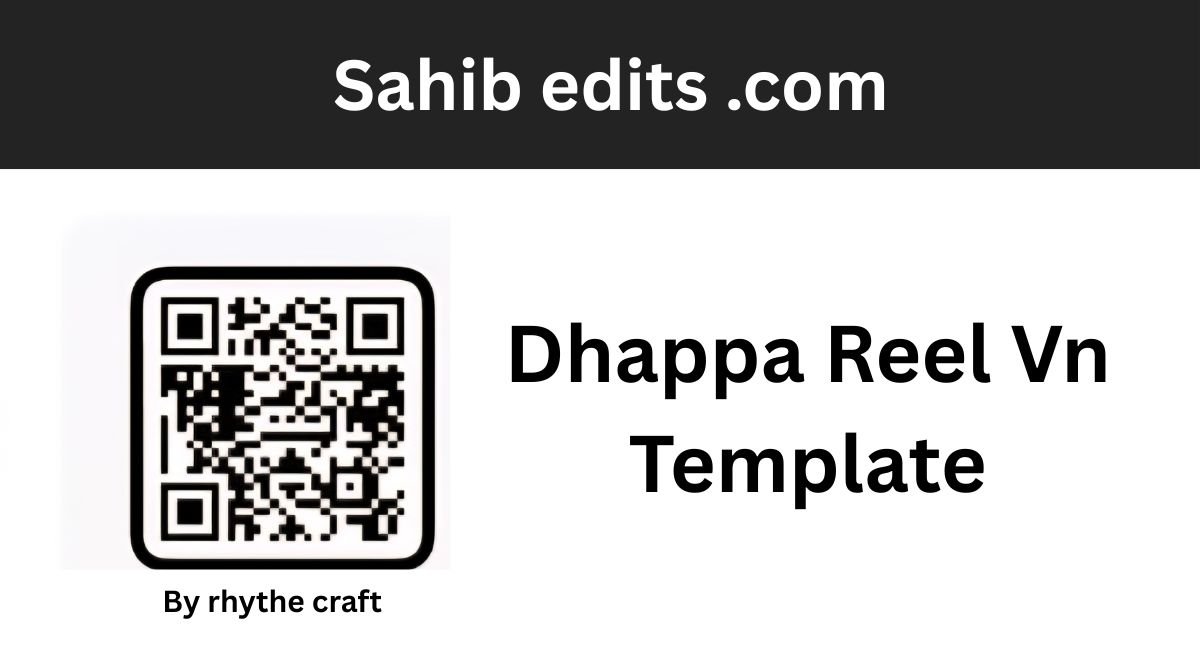
Go to the Play Store or App Store and download the VN Video Editor app on your device. - Scan the QR Code or Use the VN Code
Take a screenshot of the VN template QR code (provided below) and import it into the VN app. - Add Your Media
Insert your photos or video clips into the pre-made template. - Adjust and Export
The app will automatically apply all transitions, filters, and effects. Within a few seconds, your Dhappa Reel will be ready to export and share. - Share on Social Media
Post your creation on Instagram, YouTube Shorts, or TikTok and watch your video go viral!
Dhappa Reel Vn Template
How to Use the Dhappa Reel Template in CapCut
For CapCut users, here’s how you can create the same trending edit:
- Install the CapCut App
Make sure you have the CapCut app downloaded on your mobile device. - Click “Use Template in CapCut”
Tap on the link labeled “Use Template in CapCut”. It will automatically open the app. - Add Your Media Files
Upload your photos or video clips that match the rhythm of the Dhappa sound. - Preview and Export
CapCut will automatically sync your media with the beat and transitions. Once done, preview your video and export it. - Post Your Dhappa Reel
Share your reel on your favorite social media platforms with trending hashtags like #DhappaEdit #ViralReel #CapCutTemplate2025 to gain more views.
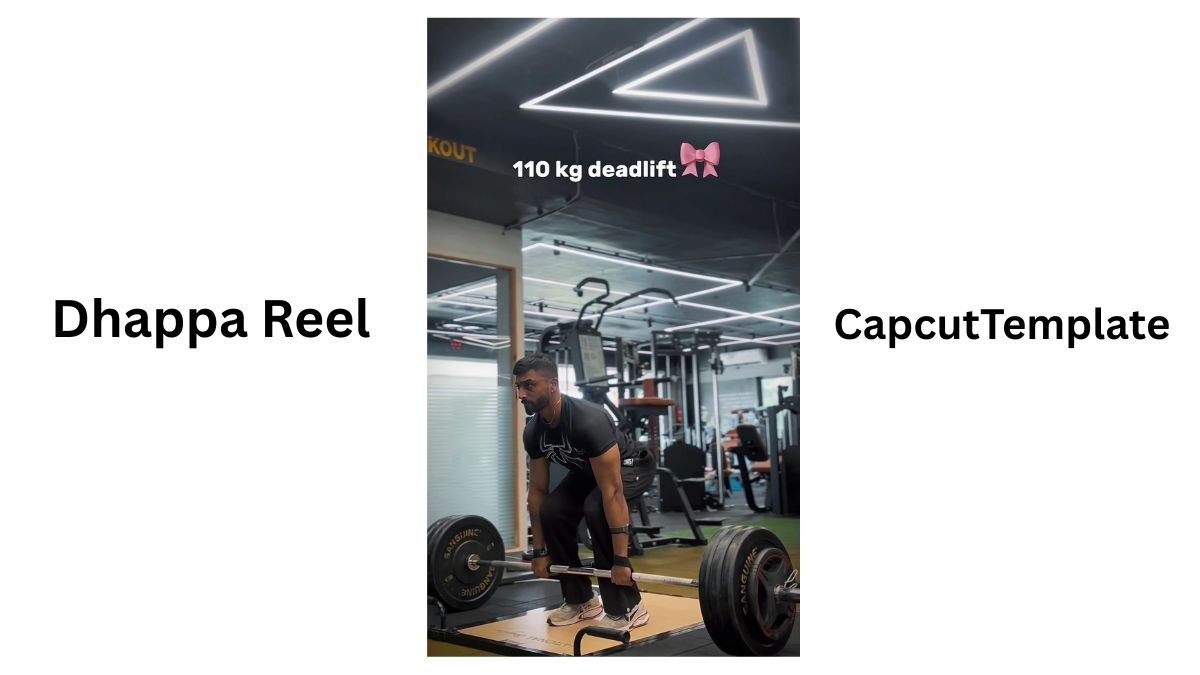
Dhappa Reel Capcut Template
Additional Tips to Enhance Your Dhappa Reel
- Adjust Brightness and Contrast: If your clips look too dark or bright, fine-tune them to match the emotional tone of your reel.
- Add Custom Text or Quotes: Highlight motivational phrases that match your transformation theme.
- Use Background Music Smartly: Keep the original “Dhappa” sound, but balance it with soft background music for emotional impact.
- Experiment with Filters: Try cinematic or moody filters to make your video look more professional.
Final Thoughts
The Dhappa Reel Template Edit 2025 is one of the most inspiring and creative trends on social media right now. Whether you use VN or CapCut, these templates make it super easy to create your own viral edit without spending hours editing manually. Just upload, adjust, and let your transformation speak for itself.