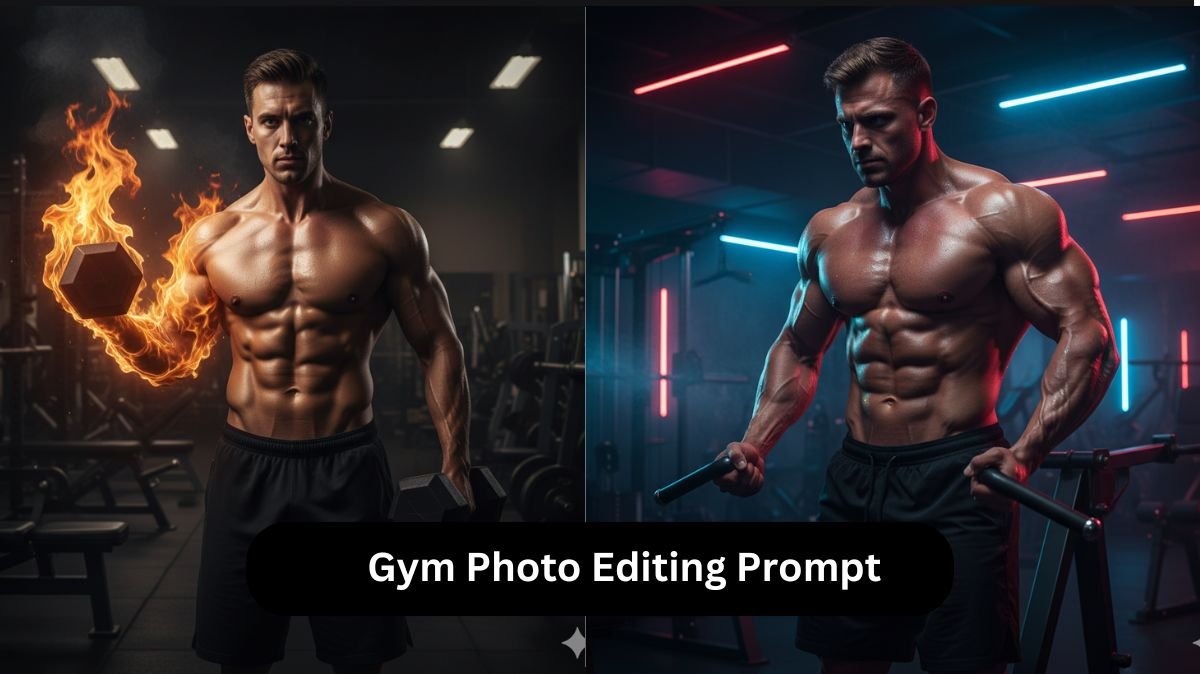
Fitness and gym-related content consistently attracts a unique fan base on social media platforms, but with Gemini AI, gym edits are on trend because it makes gym edits more cinematic, motivational, and engaging. Whether it’s flames around your biceps or a futuristic workout, AI can create anything within just a minute by using simple prompts. These edits attract attention, boost followers, and make ordinary photos look extraordinary.
In this article, we will provide the best Gemini gym photo editing prompts, along with a step-by-step guide on how to create them. By following this article, you will be able to generate realistic, high-quality gym edits that stand out and grab attention instantly.
Table of Contents
Best 5 Gemini Gym Photo Editing Prompts
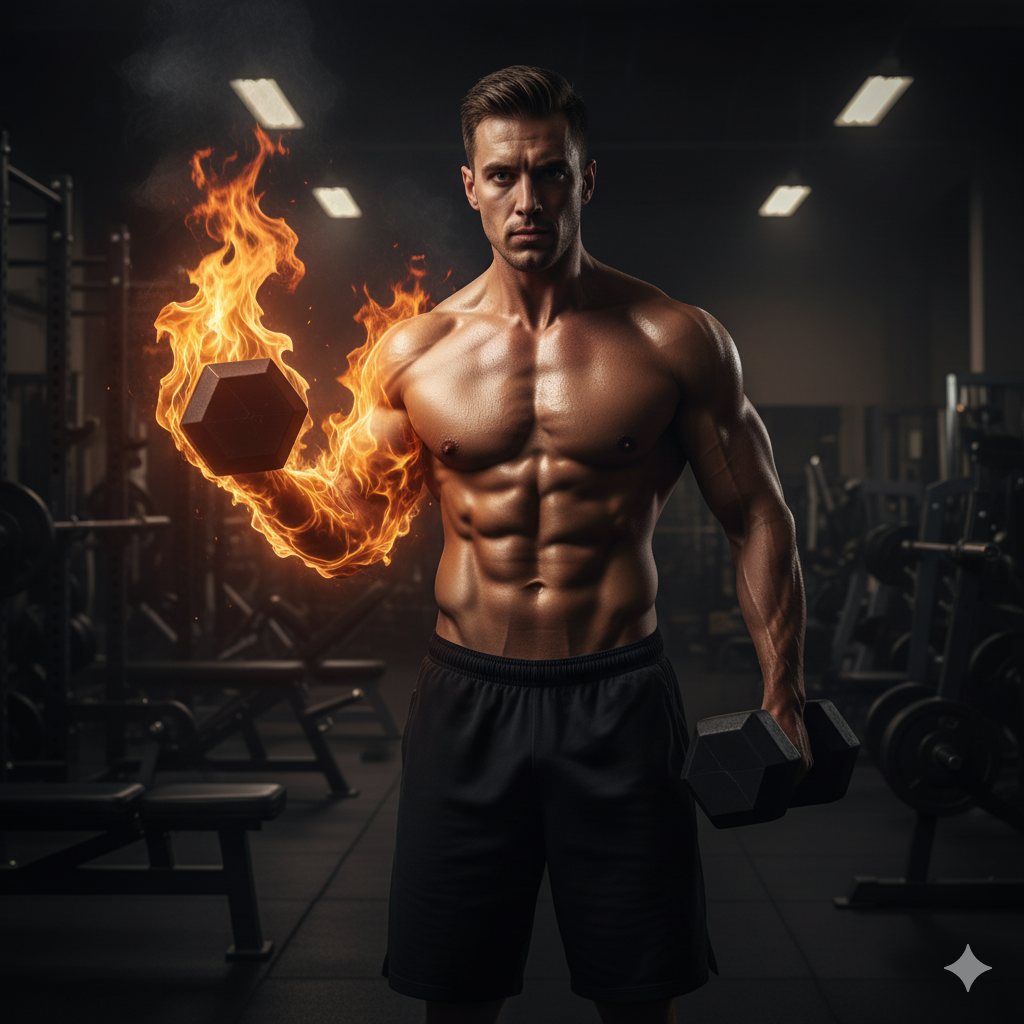
Prompt 1: Muscular Man with Flames
“Muscular shirtless man standing in a dimly lit gym, holding a heavy dumbbell. His arm is dramatically engulfed in bright, realistic flames, highlighting his strength. The background has gym equipment in shadow, creating a powerful, intense atmosphere.”
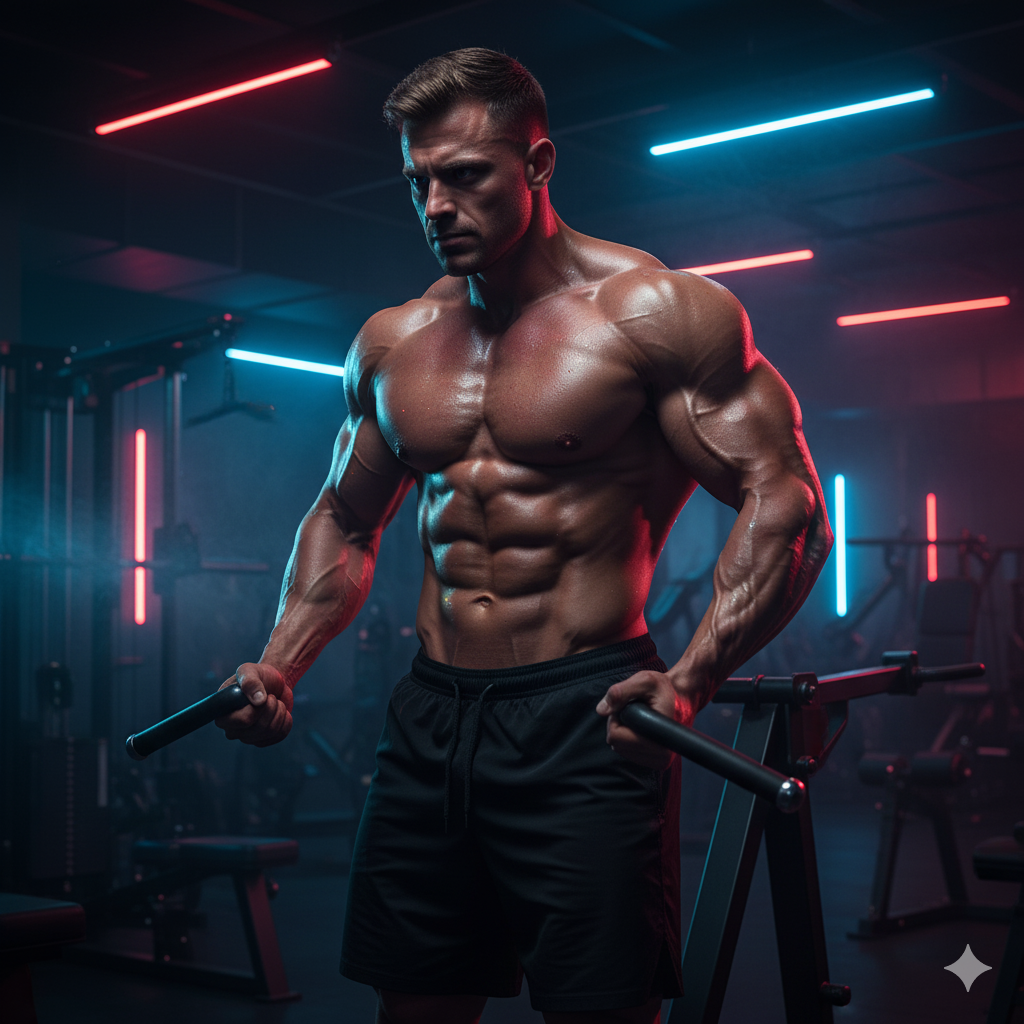
Prompt 2: Glow and Sweat Effect
“A focused bodybuilder training under neon blue and red lights, with glowing sweat droplets reflecting intensity.” Adds a cinematic, futuristic vibe that looks incredible on social media.
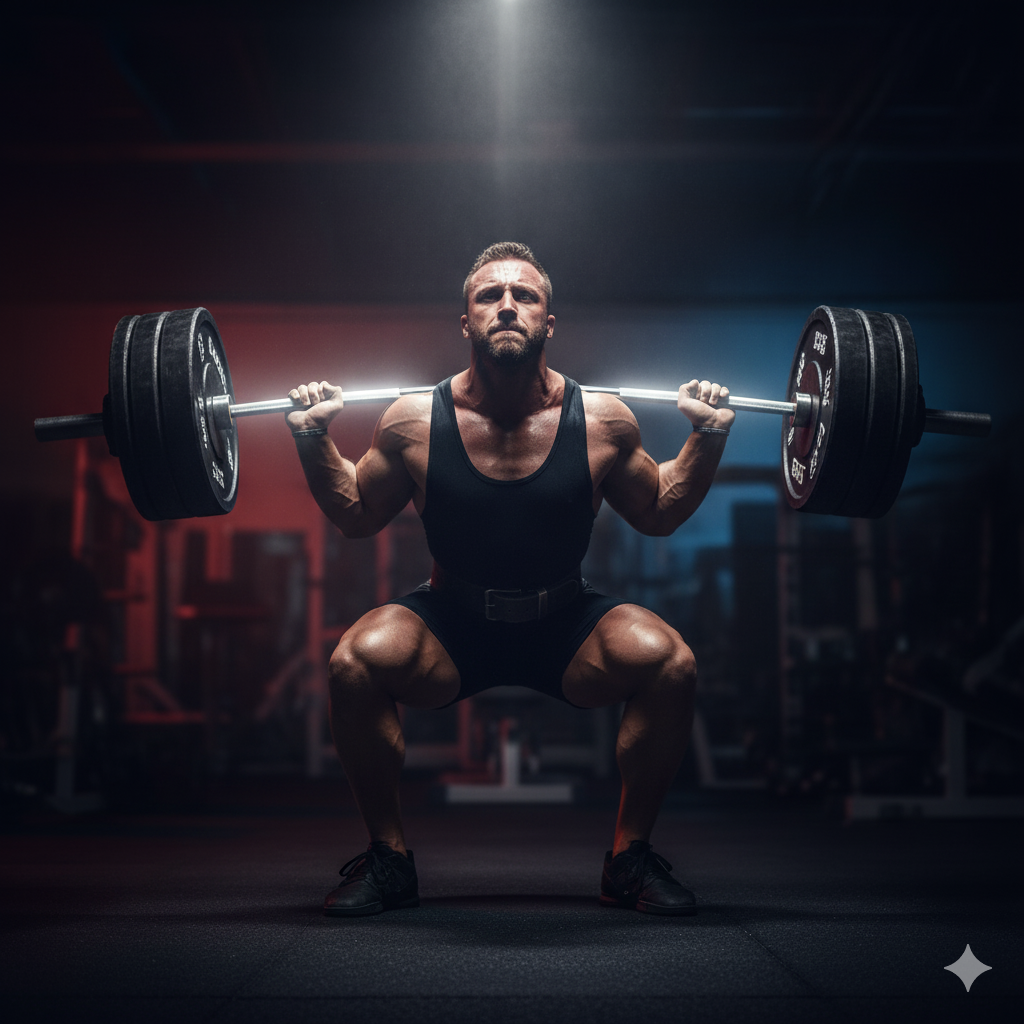
Prompt 3: Powerlifting Hero Pose
“A powerlifter mid-squat with a glowing barbell, spotlight on muscles, background blurred for dramatic focus.” Highlights raw strength while keeping the subject as the star.
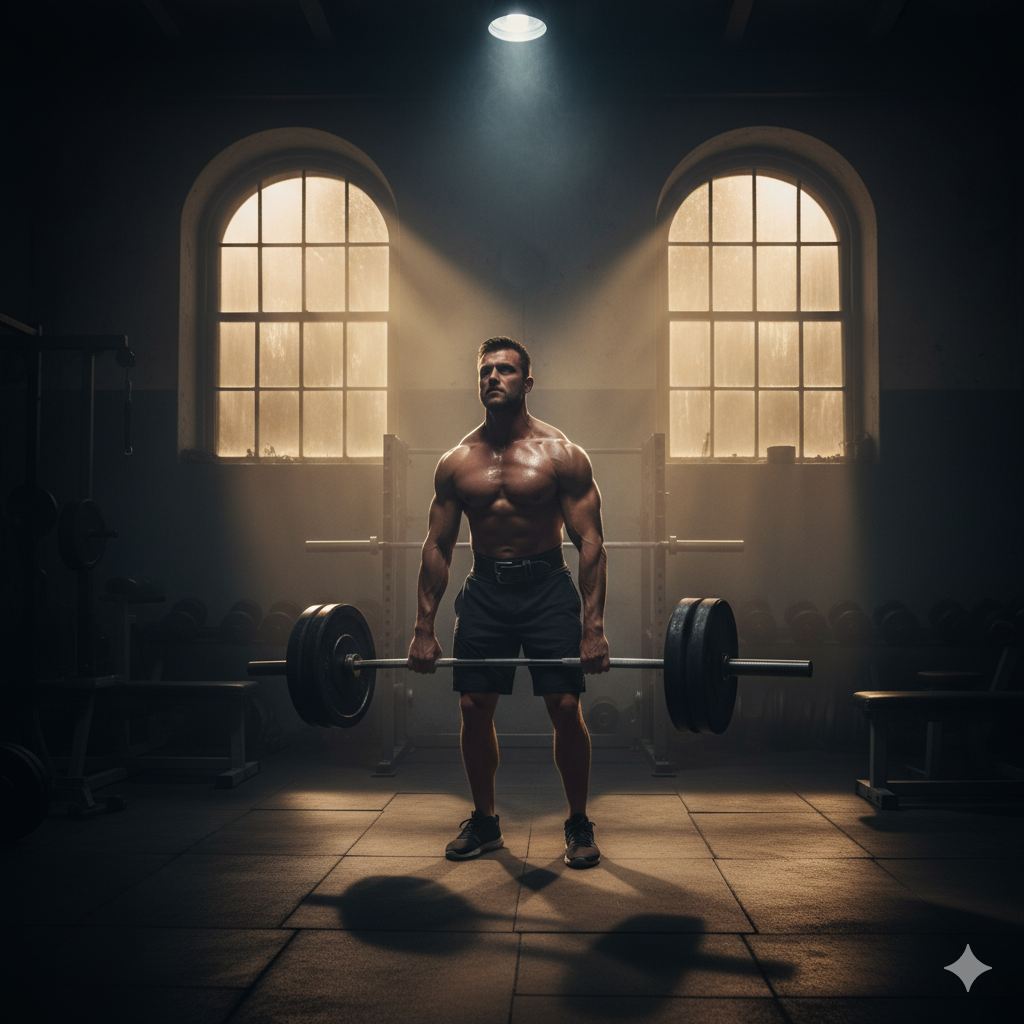
Prompt 4: Cinematic Shadow Training
“Athlete working out in a half-lit gym with heavy shadows and beams of sunlight piercing through windows.” Perfect for creating a Hollywood-style movie scene effect.
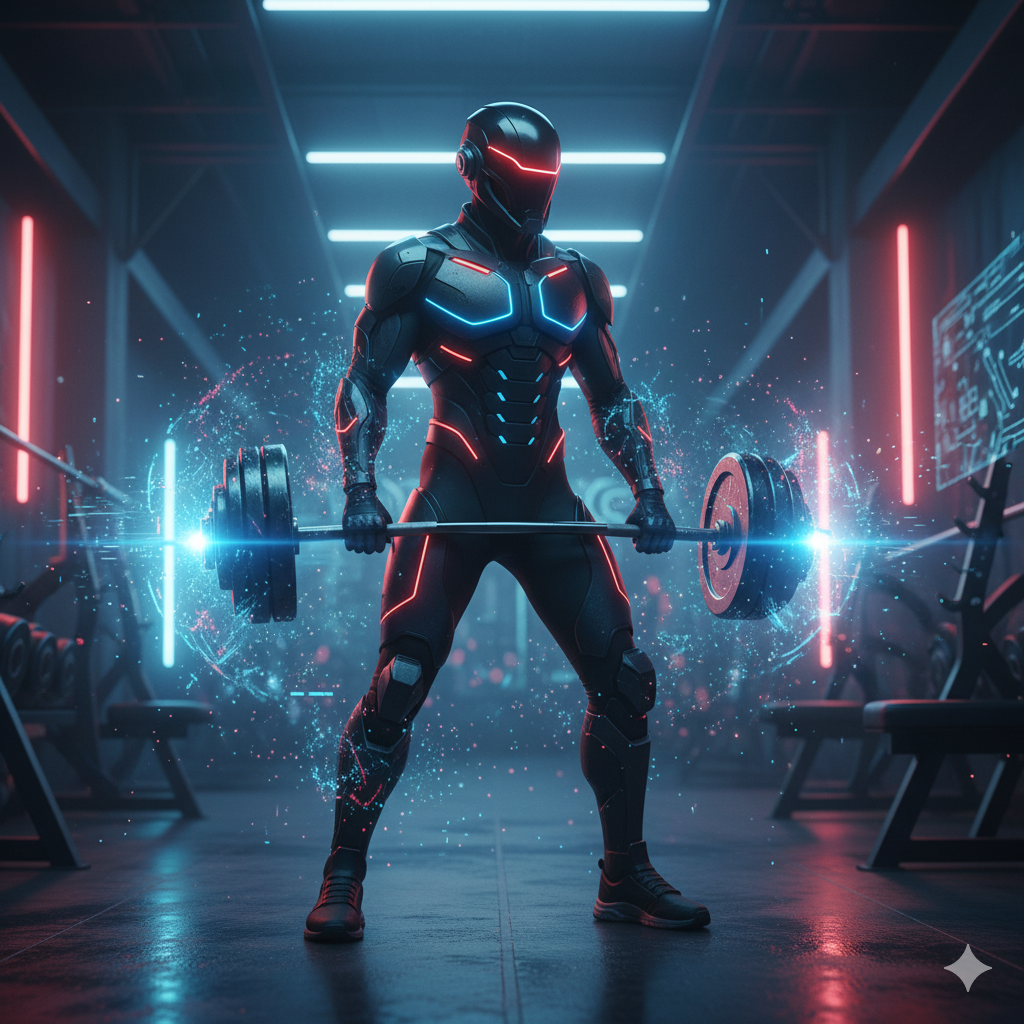
Prompt 5: Futuristic Gym Warrior
“Futuristic athlete in cyberpunk armor training in a neon-lit gym with digital effects swirling around.” Blends fitness and sci-fi aesthetics, making it stand out instantly.
How AI is Changing Gym Photography
From Raw Pictures to Masterpieces
Those days are gone when you needed professional lighting, an expensive camera best editing software, but now with the help of AI, you can create a cinematic gym edit in a minute. AI bridges that gap by automatically adding drama, shadows, highlights, and effects that transform basic selfies into a cinematic Masterpiece.
The Role of Prompts in AI Editing
Prompts in AI editing act as the most important text that can convert a simple raw image into a high-quality cinematic image. The more detailed your prompt, the more customized your photo becomes. For gym edits, prompts often include lighting effects, muscular details, background settings, and symbolic elements like flames or energy auras.
How to Create Gemini Gym Photo Edits
- Visit the Official Gemini Website: The first thing you have to do is visit the official website of Gemini and log in. If you are new to the site, then you can create your free account.
- Upload Your Image: Now, what you have to do you have to click on the “+” icon on the left side of the prompt box to upload your gym photo. This will be the base image Gemini uses.
- Paste or Modify the Prompt: Now, copy and paste the given gym editing prompt. If you want, you can add your own twist by changing elements like lighting, background, or outfit details.
- Generate and Share the Image: Now you are at the final step of the creation. Simply click on the generate icon, it will take a few minutes to generate your AI-powered gym edit will be ready to share on Instagram, TikTok, or Facebook.
Tips to Customize Gym Prompts for Unique Results
- Adding Background Elements: Try mixing in gym accessories like ropes, kettlebells, or boxing bags. This makes your edits more personalized and story-driven.
- Experimenting with Lighting and Colors: Switch between warm tones (for motivation) and cool neon tones (for futuristic vibes). Lighting is the most important element and secret ingredient to cinematic edits.
Why Fitness Influencers Love Gemini Gym Edits
- Social Media Engagement Boost: High-quality visuals grab attention fast. Influencers use Gemini because eye-catching edits drive more likes, shares, and followers.
- Professional Look Without a Photographer: Instead of spending thousands on professional shoots, influencers now get studio-quality edits in seconds
How to Make Your Gym Edits Go Viral
- Using the Right Hashtags: Hashtags like #GymMotivation, #AIEdit, and #FitnessJourney can help your edits get discovered faster.
- Timing Your Posts for Maximum Reach: Make sure to track the audience that posts during peak engagement hours (morning and evening workouts) to maximize visibility.
Conclusion
Gemini gym photo editing prompts are best for fitness enthusiasts and influencers. With just a few clicks, you can transform any Gym image into a cinematic Masterpiece that inspires, motivates, and engages. Even if you are a beginner, there is no need to have advanced skills to generate AI gym edits, just follow the above step, and you’re ready to rock on social media.
FAQs
Q1. Can I use Gemini gym prompts on my phone?
Ans. Yes, Gemini works seamlessly on both desktop and mobile devices.
Q2. Are Gemini gym edits free to use?
Ans. Gemini offers free trials, but premium plans unlock advanced features and unlimited generations.
Q3. Can I edit prompts for a female athlete?
Ans. Absolutely! Just adjust the wording in the prompt to match your desired look and style.
Q4. Where can I share my Gemini gym edits?
Ans. You can post them on Instagram, TikTok, YouTube thumbnails, and even fitness blogs for maximum exposure.