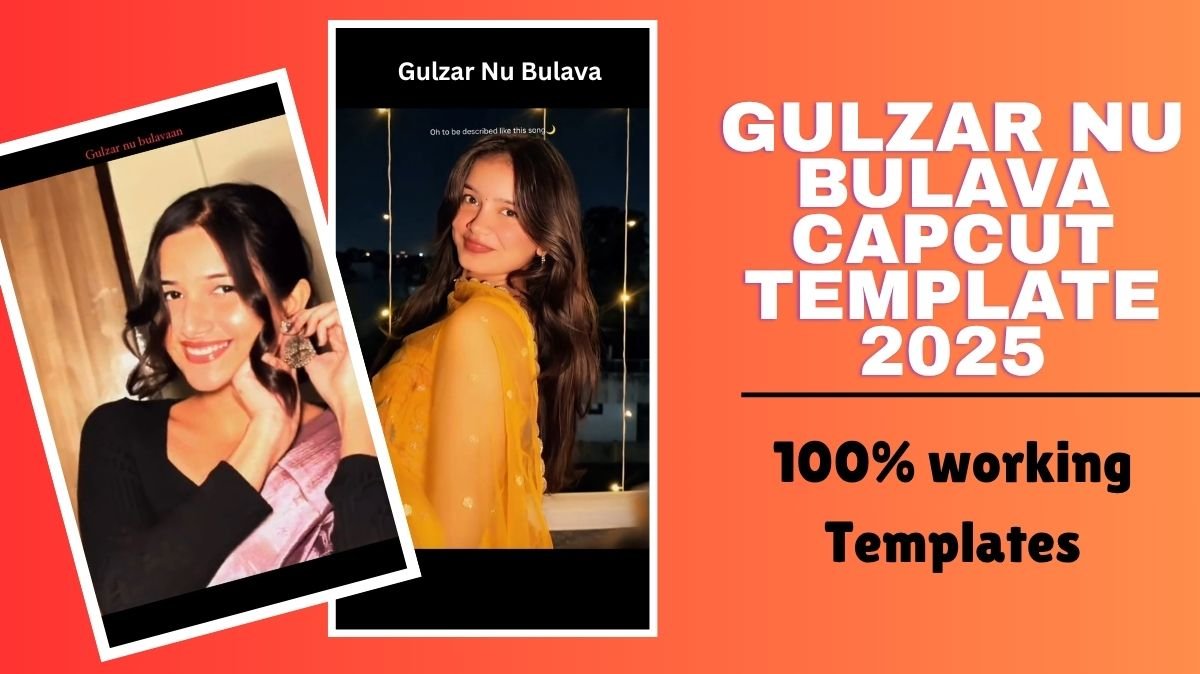
Gulzar Nu Bulava CapCut Template 2025: Recently on social media, a lyrical trend has captured everyone’s attention, the song “High On You”, where the line “Gulzar nu bulava kuj tera te likhawa” has gone viral. The line refers to Gulzar, the legendary poet and lyricist known worldwide for his deep and emotional shayari. The meaning behind the lyric, “Can I call Gulzar to write something beautiful about you?” adds a poetic charm that connects deeply with the audience.
Because of this emotional vibe and poetic meaning, the Gulzar Nu Bulava CapCut Template 2025 is trending across social media platforms. People are recreating this edit with their own pictures and clips to give a romantic and emotional touch to their reels. Seeing its popularity, our team decided to bring you the complete guide to using this template and making your own viral reel with a creative twist.
Table of Contents
How to Use Gulzar Nu Bulava CapCut Template 2025
To get started, make sure you have the CapCut application installed on your device. You can easily download it from the Google Play Store or App Store.
- Click on “Use Template” Below
Once you have the app, simply click the “Use Template in CapCut” link provided below. It will automatically redirect you to the CapCut app. - Add Your Media
The next step is simple: replace the existing clips or images in the template with your own. Choose high-quality pictures or short video clips that match the emotional tone of the lyrics. - Customize Your Edit
To make your reel stand out, you can:- Add filters to enhance the color and mood.
- Use transition effects to make your clip flow smoothly.
- Adjust the brightness, contrast, and saturation for a cinematic feel.
- Insert text overlays or shayari lines to add more depth.
- Try adding slow-motion effects during the “Gulzar nu bulava” lyric for a dramatic touch.
- Preview and Export
Once your edit looks perfect, preview the full video. If everything feels aligned with the music beat, tap the Export icon. Your video is now ready to share across Instagram Reels, YouTube Shorts, or TikTok.

Make sure after editing use the original song from Insta reel trending section
Extra Tips to Make Your Reel Stand Out
If you want your video to go viral and feel more personal, follow these advanced tips:
- Choose the Right Background: A soft background, such as nature, fairy lights, or a scenic outdoor view, enhances the poetic feel of the reel.
- Match Your Expressions to the Lyrics: Capture real emotions — a soft smile, an emotional glance, or a nostalgic expression — to connect better with viewers.
- Add Captions in Shayari Style: Use Gulzar-inspired lines like “Kuch lafzon mein bas gaya tera naam” or “Tere khayalon se likhta hoon main apni kahani.”
- Use Trending Sound Variations: Check if there are remixes or slowed versions of the audio trending on Instagram — using them can boost reach.
- Blend Multiple Clips: Mix old and new memories or switch between close-up and wide shots for variety.
- Experiment with Filters: Try vintage, cinematic, or retro tones for a film-like experience.
- Add a Storyline: Begin with a calm moment (like writing something or staring at a sunset) and end with the lyric drop “Gulzar nu bulava…” for emotional impact.
- Hashtags for Maximum Reach: Use hashtags like #GulzarNuBulava, #CapCutTemplate2025, #ViralReel, #EmotionalEdit, and #CapCutTrending to increase discoverability.
These creative details will not only make your reel look professional but also help it stand out from thousands of other edits using the same sound.ce.
Final Words
The Gulzar Nu Bulava CapCut Template 2025 is not just another trend — it’s a blend of emotion, poetry, and art that lets you express your feelings creatively. Whether you’re dedicating the reel to someone special or just exploring poetic editing, this template will help you make something truly mesmerizing.
Try it today and create your own viral reel that feels straight out of a love poem.