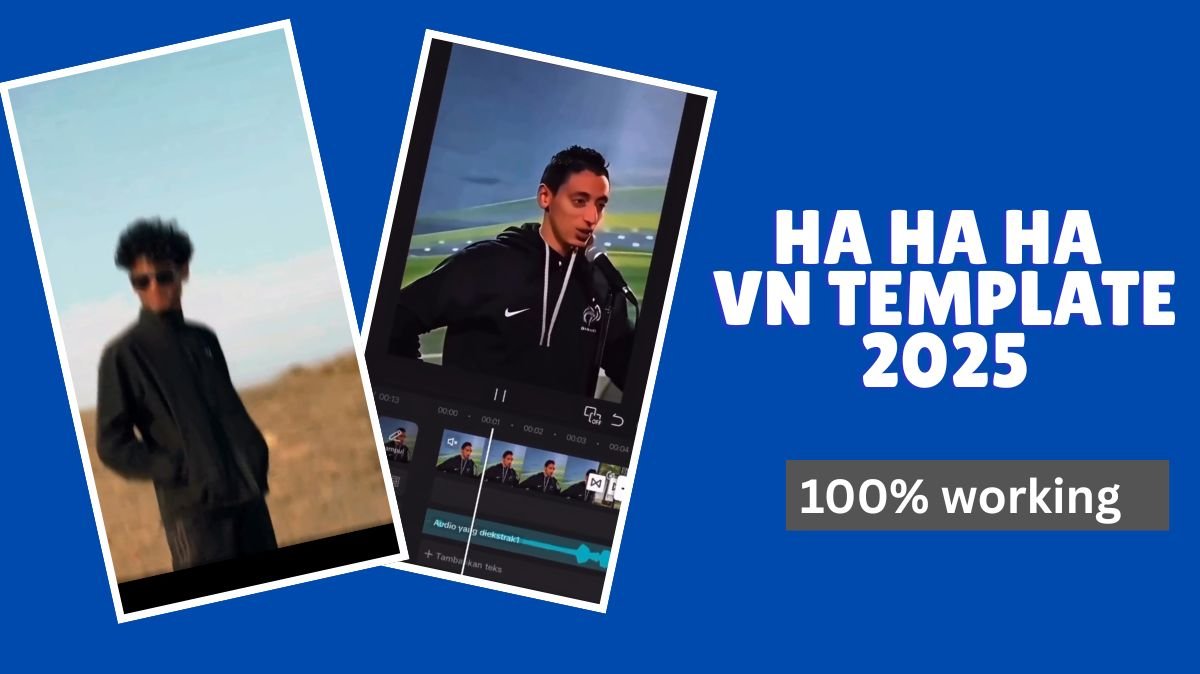
If you’ve been scrolling through Instagram or YouTube Shorts lately, you’ve probably seen a fast-growing viral trend where a famous “Ha Ha Ha” meme clip starts the reel, then suddenly, a dramatic transition kicks in with filters, effects, and a completely new vibe.
This reel style is exploding in popularity because it’s funny, surprising, and visually attractive. People love the unexpected switch combined with eye-catching edits, and now everyone wants to recreate the same effect.
The good news?
You can make this exact viral reel using the VN Video Editor and the Ha Ha Ha VN template, and it only takes a few minutes.
This article will show you step by step how to use the template, how to edit your video, and how to make your reel stand out from everyone else’s.
Table of Contents
What Is the Ha Ha Ha VN Template?
The “Ha Ha Ha” VN template is a pre-made edit preset for VN Video Editor.
When imported, it automatically applies:
- The meme intro
- Transition effects
- Color filters
- Timing presets
- Audio synchronization
- Clip placement cues
This allows you to recreate the viral reel with almost zero manual editing.
It’s perfect for beginners and also great for creators who want fast results.
How to Use the Ha Ha Ha VN Template (Step-by-Step Guide)
Follow these simple steps to create your own viral reel:
1. Download the VN Video Editor App
Go to the Google Play Store or Apple App Store and search for:
VN – Video Editor & Maker
It’s available on both Android and iOS, and completely free.
2. Take a Screenshot of the Template
Take a clear screenshot. This is important because VN uses the screenshot to detect the correct template.
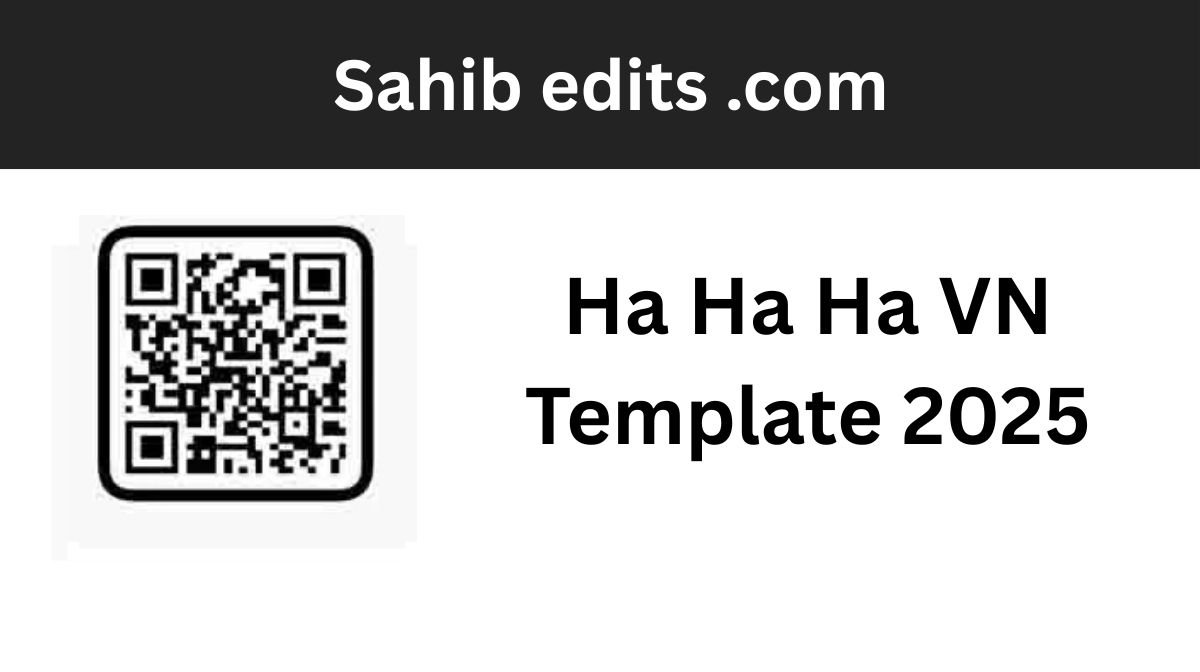
3. Open VN and Tap the Scan Icon
Open the VN app.
In the top-right corner, you’ll see a Scan icon.
Tap it.
4. Upload the Screenshot
Select the screenshot you just took.
VN will automatically detect the “Ha Ha Ha” template and redirect you to it.
5. Add Your Media
Now insert:
- Your photos
- Your clips
- Any meme intro you want to replace
- Additional footage
VN automatically places your media into the template timeline.
6. Adjust Transitions, Filters, and Effects (Optional)
You can fully customize:
- Transition speed
- Color filters
- Brightness & saturation
- Sound effects
- Overlays
- Clip duration
This is where you can make your reel stand out from others.
7. Export Your Reel
Once you’re satisfied with the edit:
Tap Export
Choose your resolution (1080p recommended)
Your video is ready to post.
How to Make Your Reel Unique and Stand Out
Everyone uses the same template—but not everyone knows how to personalize it.
Here are simple ways to make your reel truly unique:
1. Add Your Own Twist
Look at what others are doing and ask:
“What can I do differently?”
You can add:
- Funny expressions
- Reaction clips
- Outfit changes
- A surprise ending
- A joke or a message
2. Customize Color Grading
Use VN’s filters and tone adjustments to match your mood:
- High contrast for dramatic
- Soft pastel for aesthetic
- Deep blues for cinematic (similar to Gemini Winter Prompt styles)
3. Add Creative Effects
Try:
- Motion blur
- Glow effects
- Split screens
- Flash transitions
- Overlays
4. Use High-Quality Clips
Good lighting + clean background = better reels and more views.
5. Follow Current Trends
Pair your reel with:
- Trending songs
- Memes
- Seasonal vibes
- Recent challenges
This increases the chance of going viral.
Why This VN Template Is So Popular
People love it because:
- It’s fun and fast
- The meme intro grabs attention
- The sudden transition makes viewers watch till the end
- It’s easy to customize
- It works for every type of content—fashion, travel, comedy, lifestyle, memes, and more
The element of surprise + aesthetic editing is powerful on social media.
Conclusion
The “Ha Ha Ha” VN template is one of the easiest and most effective ways to join a viral trend. With just a screenshot and a few steps, you can create a professional-looking reel that stands out on Instagram, TikTok, or YouTube.
Remember—anyone can follow a trend, but making your reel unique is what helps you grow your audience.
Add your own creativity, effects, humor, and personal touch to make the edit truly yours.
Whether you’re exploring VN templates or creative ideas like the Gemini Winter Prompt, trends like these are a fun way to boost your social media presence.
Start creating—and go viral your way!