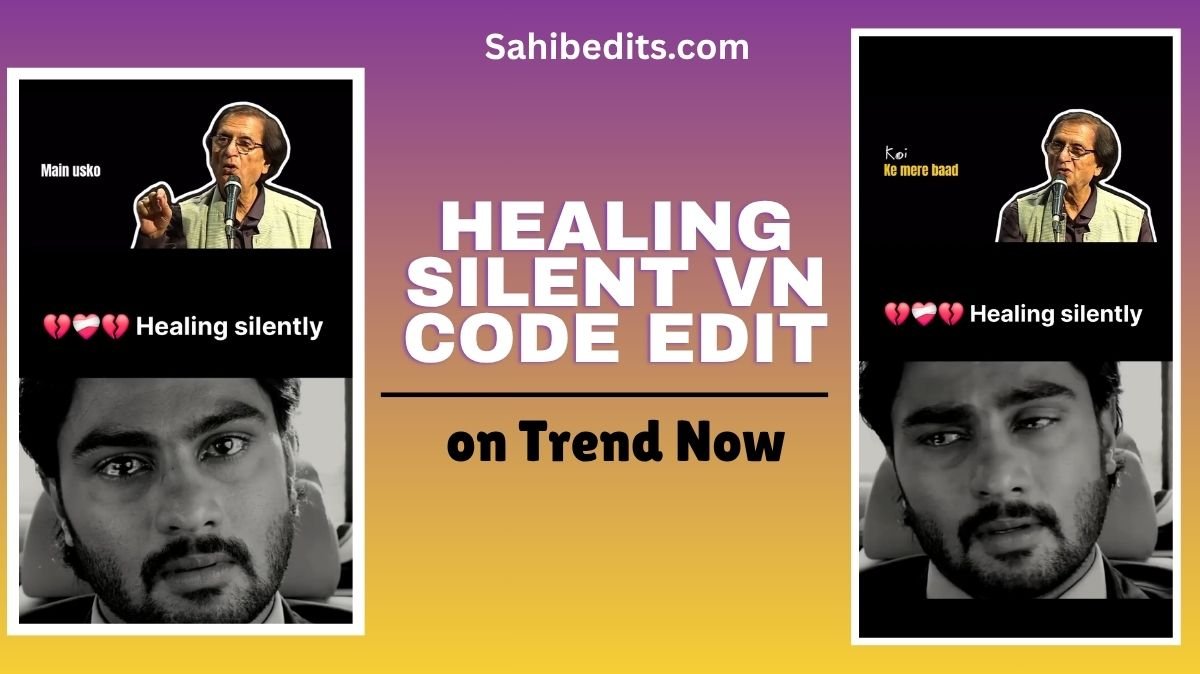
On social media, the name Gulzar, the legendary poet, writer, and shayari teller, is getting famous once again. This time, it’s because of a soulful song titled “High On You.” The line “Gulzar nu bulava, kuch tera te likhawa” has deeply touched people’s emotions and gone viral across platforms.
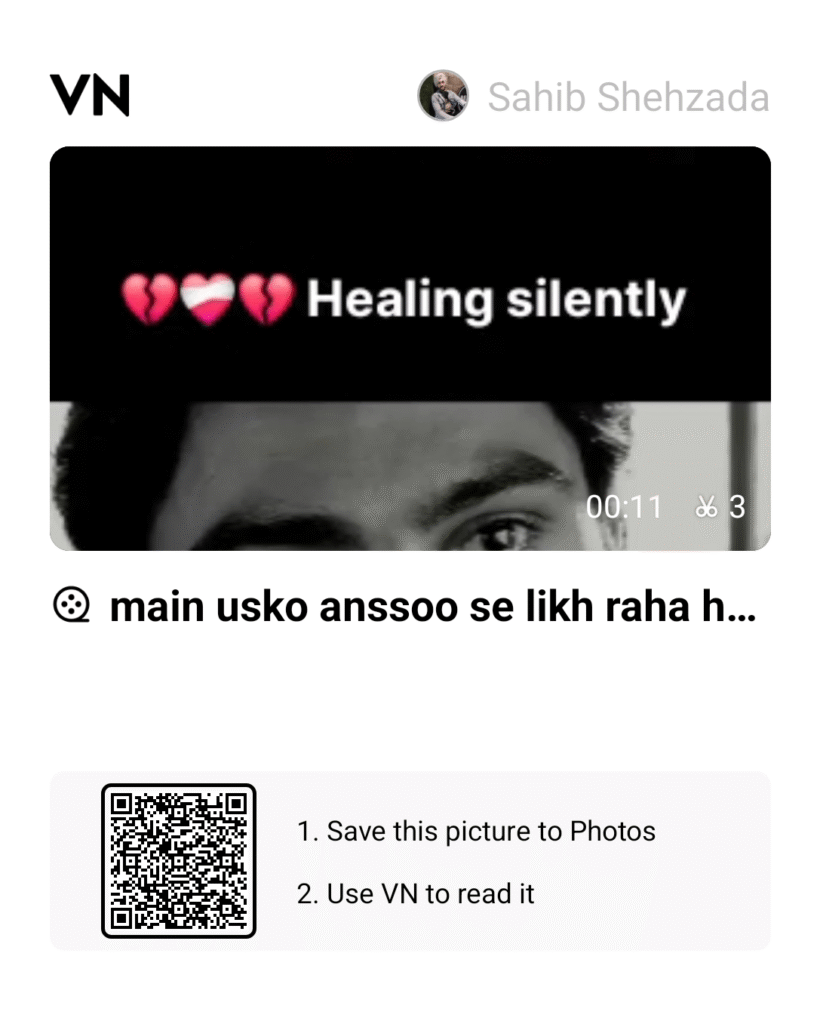
Along with this trend, another video is making waves, in which the poet emotionally says, “I am writing with my tears for you, and no one can truly understand what I wish to express.” This emotional vibe has inspired the creation of a beautiful VN template called Healing Silently, which has quickly become a viral edit among reel creators.
Our team has developed this Healing Silent VN Code with great effort so that users can easily recreate this heart-touching reel. In this article, we’ll explain in detail how you can make this viral reel using the Healing Silent VN Code.
Table of Contents
How to Create a Reel Using Healing Silent VN Code
Follow these easy steps to create your own version of the Healing Silent VN Edit 2025 and join the emotional storytelling wave.
Step 1: Install the VN App
Download the VN app from the Google Play Store or Apple App Store. It’s a free and user-friendly video editing application that offers both beginners and professionals access to advanced tools and cinematic effects.
Step 2: Get the VN Code
Take a screenshot of the VN code shared in this post or on platforms where this edit is trending. This code is the key to unlocking the exact project setup used by viral creators.
Step 3: Import the Template
Open your VN app, click on the ‘Import Project via Code’ option, and scan or paste the saved VN code. The full edit timeline, transitions, music timing, and effects will automatically load into your app.
Step 4: Replace the Media
Replace the sample clips with your personal images or short videos. Choose visuals that convey raw emotion — like looking out a window, holding a letter, or smiling through tears. Emotional depth is what makes this edit connect instantly.
Step 5: Preview, Adjust, and Export
Before exporting, preview your reel and make sure that your transitions and clips align perfectly with the beat and dialogue. Adjust the brightness or saturation if needed, and export your reel in 1080p or 4K quality for the best visual output.
Finally, share it on Instagram Reels, TikTok, or YouTube Shorts with trending hashtags like #HealingSilently #GulzarStyleEdit #EmotionalReel.
Why This Edit Is Getting Viral
This edit connects emotionally with those who hide their feelings but wish to express them in a poetic way. The line “I can write a whole chapter for you with my tears” deeply resonates with viewers, making this reel relatable and heart-touching.
The Gulzar-inspired narration gives the reel a soft, emotional, and cinematic touch that separates it from regular edits. This is why so many creators are using the Healing Silent VN Template to convey their hidden emotions artistically.
How to Make Your Reel Unique from Others
If you want your reel to stand out, here are some tips:
- Add emotional or soft background music that matches the feel of the poetry
- Use light cinematic filters to create a vintage or moody look
- Include poetic text overlays or emotional captions to enhance storytelling
- Adjust the transition timing to sync perfectly with the voice or lyrics
- Apply color grading for a faded emotional tone
Final Thoughts
The Healing Silent VN Code Edit 2025 is a perfect example of how modern storytelling through visuals can revive poetic emotions in today’s digital era. It bridges art and emotion, sound and silence, pain and healing.
Whether you’re an aspiring editor or a creator expressing feelings through reels, this VN template allows you to tell your story beautifully and effortlessly. So, install the VN app, use the Healing Silent code, and pour your emotions into visuals that touch hearts.