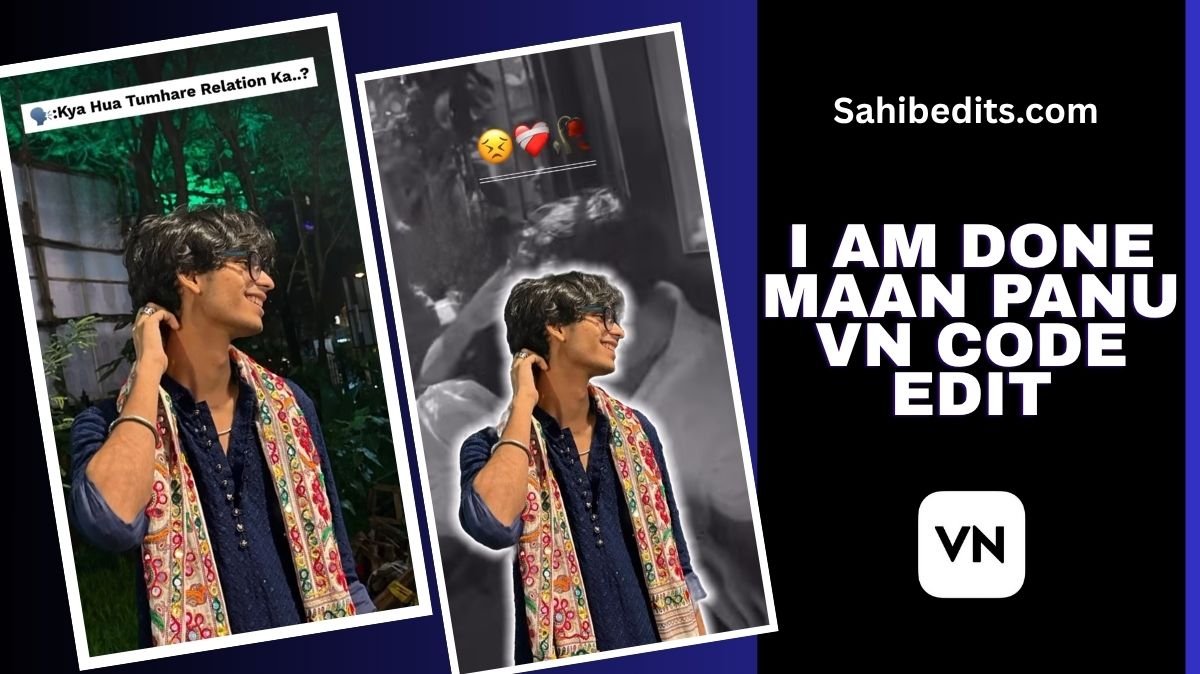
If you’ve been scrolling through social media lately, there’s a good chance you’ve come across the viral song I Am Done by Maan Panu. The song first gained attention during the singing competition Popstar 2025, where Maan Panu delivered an emotional performance that struck a deep chord with listeners everywhere.
The lyrics “I don’t have a voice to call you, there is nothing left to tell you about how life is going” perfectly capture a feeling of heartbreak and emotional exhaustion that many people relate to. Because of this, the song has taken over reels and edits on platforms like Instagram, YouTube Shorts, and TikTok. It’s not just a song anymore; it’s become a way for people to express their emotions through creative video edits.
Table of Contents
How to use I Am Done maan panu vn code edit
Our team has worked to provide you with ready-to-use I Am Done maan panu vn code edit for this trending track, so you can easily create your own emotional reel without spending hours editing. Here’s how you can make your own “I Am Done” edit step by step.
Step 1: Download the VN App
First things first, you’ll need to have the VN app installed on your device. It’s a free, user-friendly video editing application available on both Android and iOS. Once it’s installed, you’re all set to start creating.
Step 2: Use the VN Code
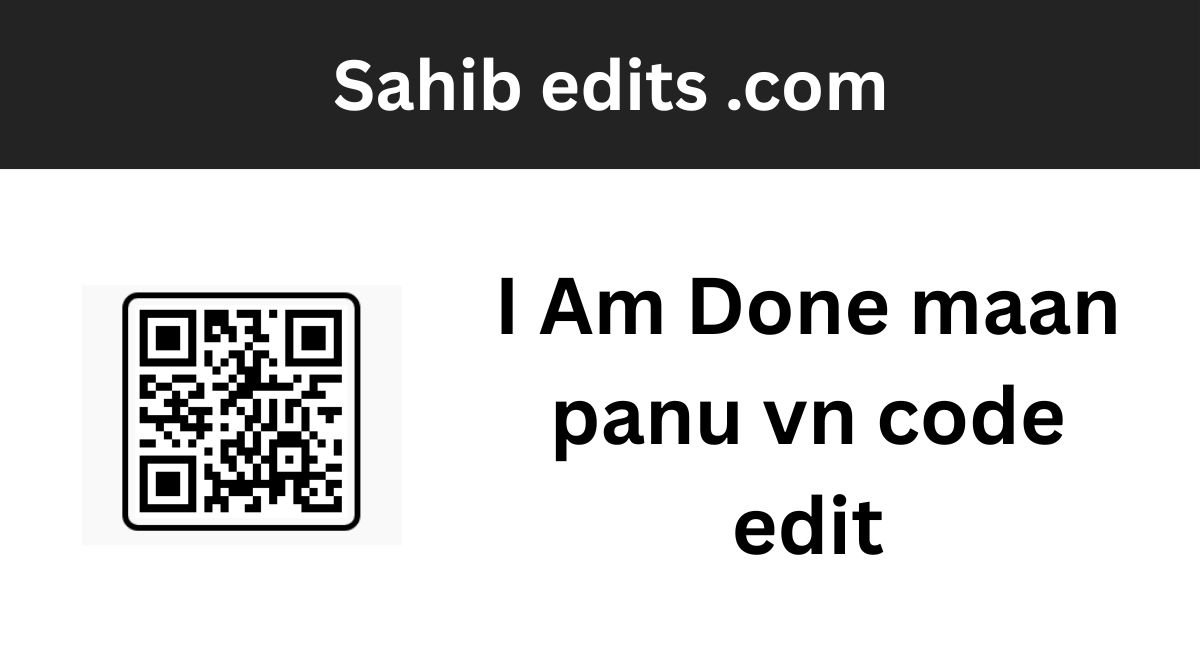
We’ve provided a special VN code for this “I Am Done” edit. Simply take a screenshot of the VN code shared by us (you’ll usually find it in the video description or on our social media post).
Next, open the VN app, go to the “Import Project” section, and upload the screenshot. The app will automatically detect the code and load our original template, exactly like the one used in the sample video.
Step 3: Add Your Media
Once the template loads, it’s time to personalize it. Add your own clips or images that fit the mood of the song. You can use slow-motion shots, cinematic moments, or even old memories that align with the emotion of the lyrics.
Step 4: Customize (Optional)
If you want to take your edit a step further, you can use manual editing tools within VN. Adjust filters, transitions, and color tones to match your desired vibe. However, remember that sometimes less is more. Over-editing or adding too many effects can distract from the raw emotion of the video.
Step 5: Export and Share
Once you’re satisfied with your edit, just tap the export icon to save your video. You can then upload it directly to Instagram, YouTube, TikTok, or any other platform you prefer. Don’t forget to use trending hashtags like #IAmDone #MaanPanu #EmotionalEdit to reach a wider audience.
Adding an Emotional Touch
If you want to make your edit stand out, the secret lies in the emotional storytelling. Here are a few tips to help you create that heart-touching feel:
1. Add Text or Shayari:
You can insert meaningful text overlays or short shayari that complements the lyrics. Try using simple fonts with soft fade-in effects. But remember—only add text if it enhances the story. Too much writing can take away from the video’s natural flow.
2. Match Visuals with Lyrics:
When the line “I don’t have a voice to call you” plays, pair it with a clip showing distance or longing. Visual storytelling like this helps viewers feel the lyrics, not just hear them.
3. Use Subtle Transitions:
Avoid flashy transitions. Smooth fades and gentle zooms usually work best for emotional content. It keeps the focus on the mood and message rather than the effects.
4. Adjust Color Tones:
Use a slightly desaturated or warm filter to evoke nostalgia. VN offers presets like “Cinematic” or “Soft Warm” that can instantly give your video a professional, emotional look.
5. Sync the Beat:
One of the most powerful parts of an edit is syncing your clips perfectly with the rhythm of the song. Watch the waveform in VN and cut your clips so that they change right when the beat hits, it gives your reel that polished, professional edge.
Final Thoughts
Creating an emotional video edit isn’t just about visuals; it’s about connection. The “I Am Done” trend is more than just another viral sound; it’s a space for people to share their stories, heartbreaks, and healing journeys through creativity.
So, whether you’re new to editing or already a pro, this VN code edit makes it easier than ever to bring your emotions to life. Open the app, load the code, add your clips, and let Maan Panu’s soulful voice do the rest.