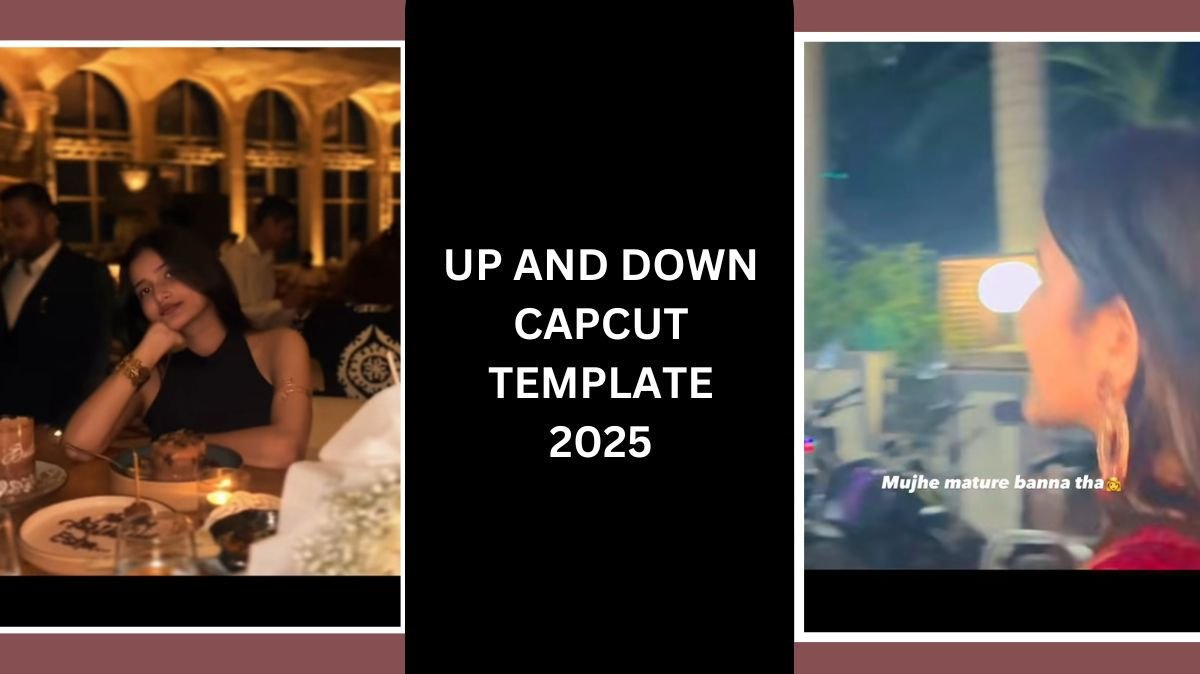
Aaj-kal Instagram pe ek reel bahut trend ho rahi hai, especially with the line “bda hona ke baad mujhe mature bnna tha, lekin mai toh pagal hi bn gaya… life ke up and down, around and around…” This sound is literally everywhere, and what makes it even more attractive is its unique transition style. At the start of the reel, people show their childhood image or video, and then suddenly it transitions to a glow-up version. This difference between the “madness phase” and the “organized phase” makes the edit stand out from all other trends on social media.
Because this template is becoming so viral, a lot of people are searching for the Up and Down CapCut Template and even the VN code, so they can make the same aesthetic transformation reel. To help you out, my team and I decided to create a complete step-by-step guide so you can also create this trending reel in just a few minutes.
Table of Contents
How to Use the Up and Down CapCut Template
First of all, you need the CapCut application installed on your device. If you don’t have it, download it from Play Store or App Store.
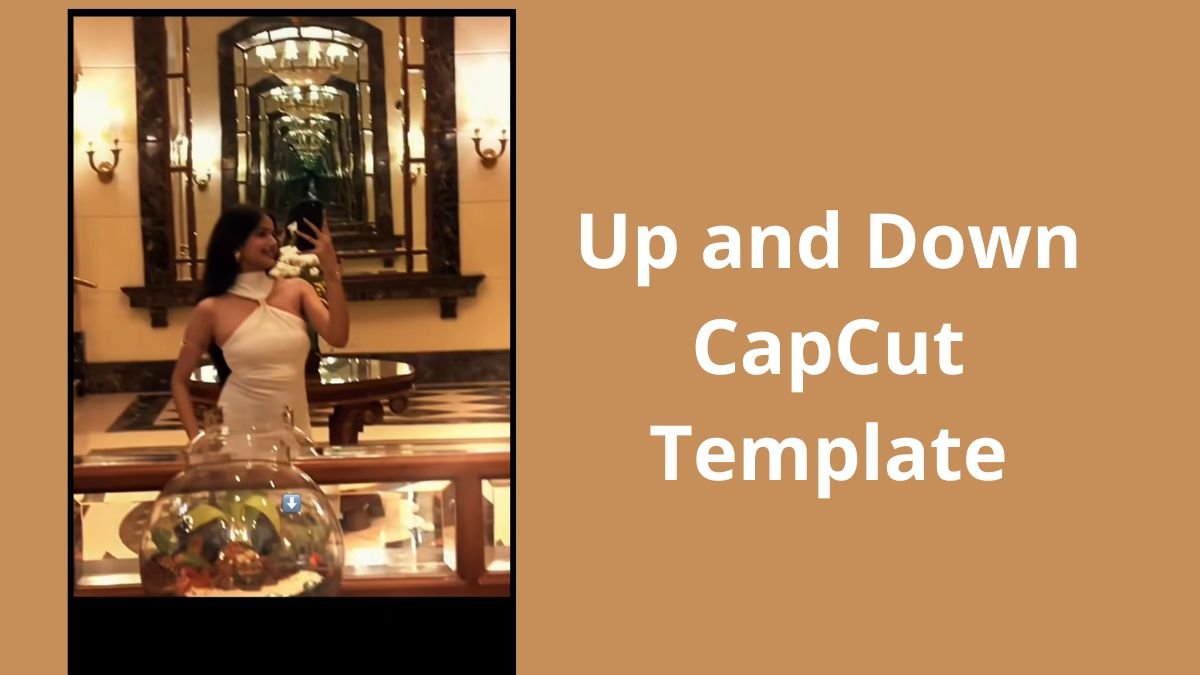
After that, follow these steps:
- Click on “Use Template in CapCut.” The link or button for the template will be given. Simply tap on the Use Template in CapCut option, and it will automatically open inside the CapCut app.
- Add Your Media: Once the template loads, you need to add your photos and videos. For the first frame, choose your childhood photo or a funny old video clip. This sets the perfect contrast for the transformation.
- In the next frame, add your glow-up video or your present-day confident look. The template is designed in a way that it automatically syncs the clips with the beat and the transition.
- Preview Your Transformation
After adding the media, CapCut will generate the preview. You will see how your childhood image transitions smoothly into your glow-up moment, making it perfect for the trending sound. - Export Your Video: Once you’re happy with the result, click on the Export icon on the top-right side. Choose your desired quality, let it process, and your reel is ready to upload to Instagram, Snapchat, or YouTube Shorts.
How to Use the Up and Down VN Code
A lot of creators also use VN App because it gives more control over transitions and color grading. If you get a VN project code for this trend, here’s how to use it:
- Install the VN Video Editor app: Available on both Android and iOS.
- Open the app and click “Import via Code.”You will find an option where you can paste the VN Code.
- Import the Template Project: Once the code is pasted, the VN app will open the exact project used for the trending reel.
- Replace Media: Just like CapCut, tap on the clips and replace them with your childhood photos and glow-up videos.
- Export Your Video: You can export it in 1080p or 4K for better quality.
How to Make Your Up and Down Reel More Interesting
Because millions of people are making this trend, you need to add your own flavor to stand out. Here are some ways to make your reel more unique and eye-catching:
- Use real childhood clips instead of random photos: Videos always create a stronger emotional impact.
- Choose a glow-up clip with good lighting: This adds quality and highlights the transformation more clearly.
- Add a subtle zoom effect: A small zoom-in or zoom-out motion makes the reel look more cinematic.
- Use matching outfits: If you match the color you wore as a child with your present-day look, it creates a cool visual connection.
- Add emotional or funny expression in the glow-up clip: It gives personality to the reel.
Color Grading Tips to Make Your Reel Stand Out
One of the main reasons some reels go viral is the color grading. Here are simple settings you can adjust in CapCut:
- Brightness: Increase slightly if your video is dark. Decrease if you want a moody vibe.
- Contrast: Add a little contrast to make your glow-up shot pop. Childhood photos usually look soft, so contrast helps bring clarity.
- Saturation: Increase for colorful and vibrant reels. Decrease for aesthetic and soft tones.
- Temperature: Warm up your childhood pictures for a nostalgic effect. Keep your glow-up clip neutral to highlight the difference.
- Vibrance: Use it to enhance only specific colors without oversaturating the whole video.
- Sharpen: Increase slightly to give your glow-up clip a crisp, modern look.
- Highlight & Shadow Control: Fix overly bright childhood images or adjust darker glow-up clips to balance the frame.
Additional Editing Tips to Make Your Video Even Better
- Use aesthetic text captions: Like “From chaos to glow-up” or “Life really goes up and down”.
- Add a soft vignette: Makes the video look cinematic.
- Keep your clips short: Short reels loop better and get more views.
- Use trending audio versions: A slower reverb or sped-up version sometimes performs better.
- Export in 1080p or 4K: Instagram reduces quality, so start with the highest resolution.
- Maintain a clean background in the glow-up video: Clutter makes the transformation look less powerful.
- Use the front camera for a glow-up clip: Better lighting and quality.
Final Thoughts
The Up and Down CapCut Template is one of the most emotional and aesthetic trends right now. It perfectly captures the difference between your childhood innocence and your present-day growth. With CapCut and VN code, you can recreate this transition in just a few minutes. And by using the color grading and editing tips above, you can make your reel even more unique and eye-catching than the standard template edits.