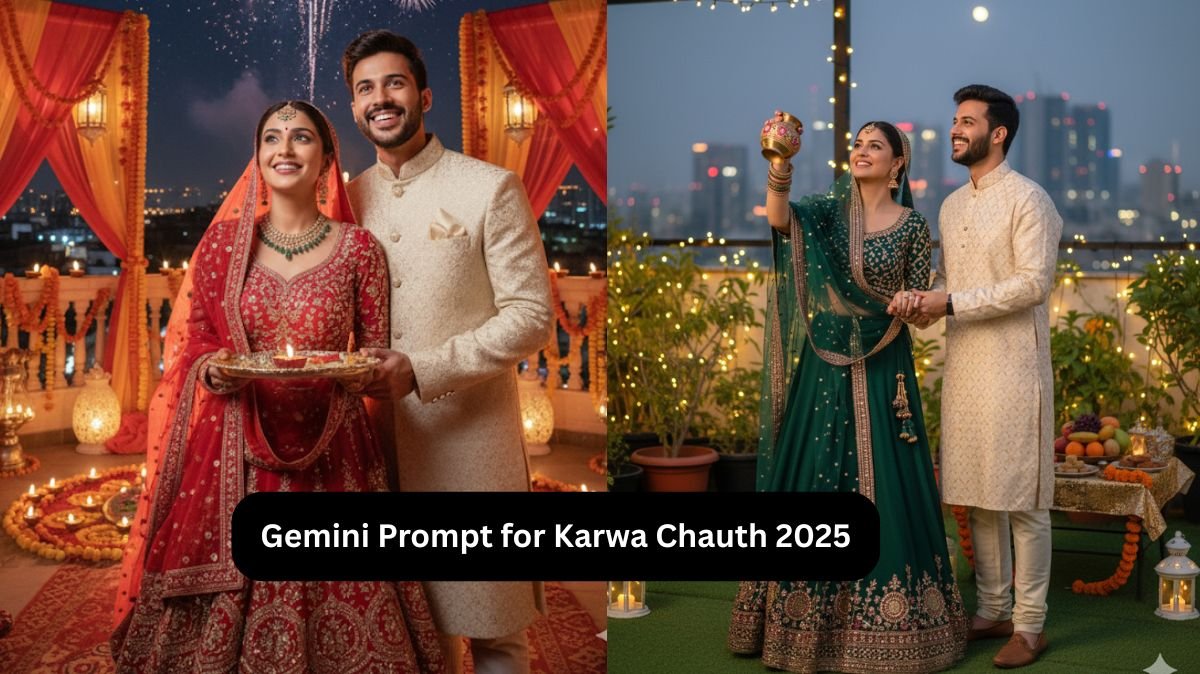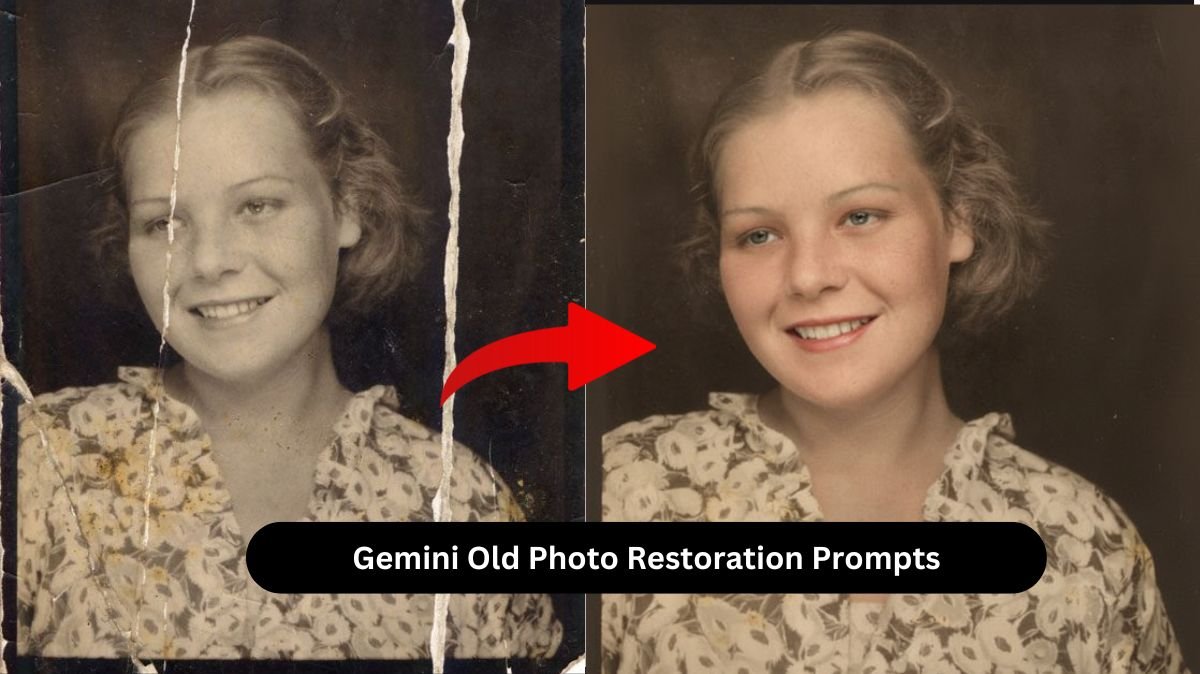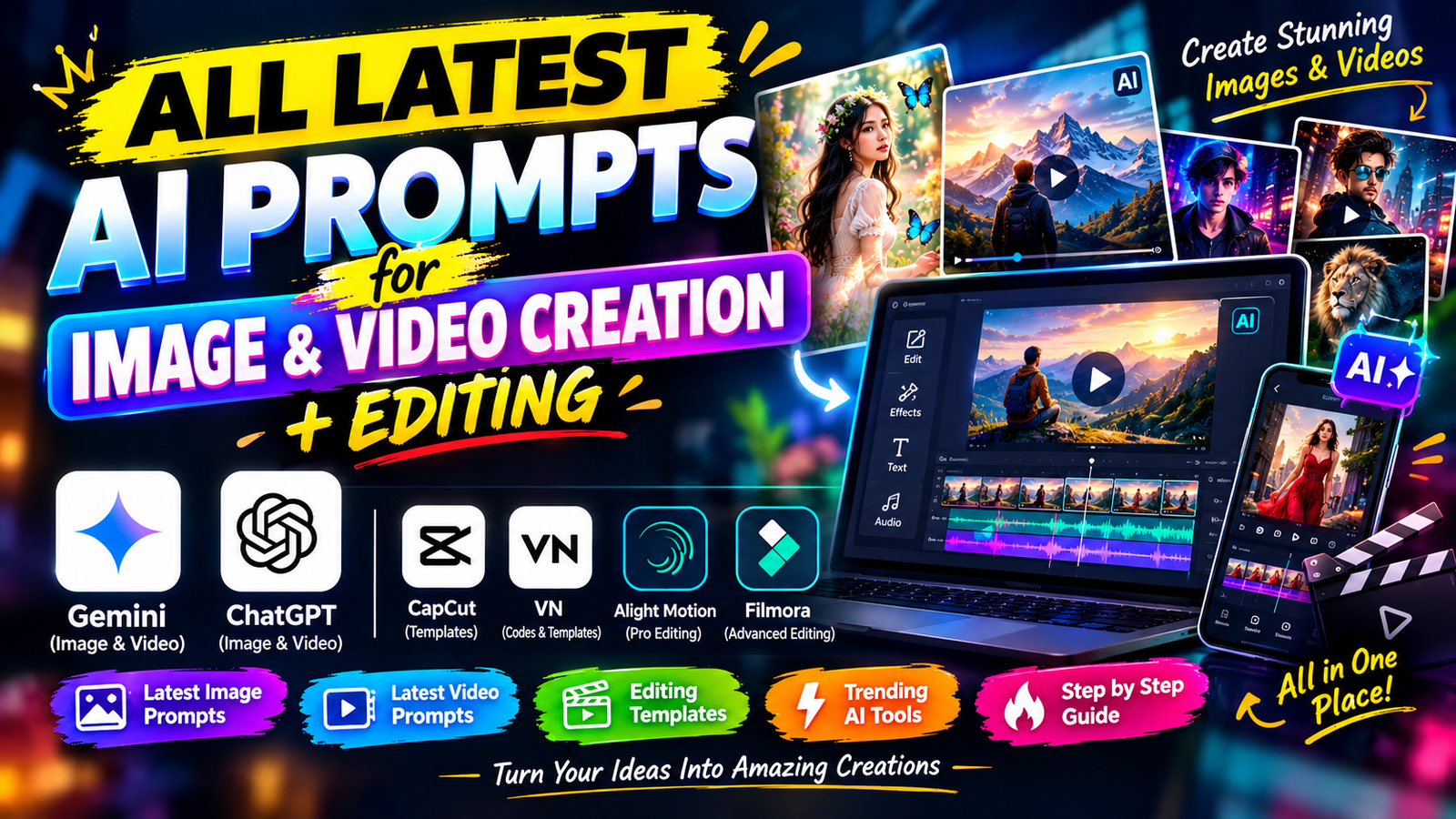
Social media platforms like Instagram and YouTube are filling up with new AI image and video trends. Every day, we see something different, like cinematic AI photos, realistic couple images, AI transformation videos, drone shots, and creative videos made using simple text prompts. Many creators are already using these trends to make their content more attractive, but some people still don’t know where to find these trends or how to create them.
If you are also looking for an easy way to create trending AI images and videos, you are in the right place. In this article, I will explain how you can find new AI trends, use ready-made prompts, and create your own images and videos without needing advanced editing skills.
You don’t need to be a professional editor to get started. You just need a good prompt, the right AI tool, and a few simple steps to follow.
What Are AI Image and Video Prompts?
An AI prompt is a simple instruction that tells an AI tool what you want it to create. For example, if you want to create a cinematic photo of yourself standing in the rain, you can write a prompt describing your appearance, clothes, background, lighting, and camera style.
The AI tool uses your instructions to generate an image or video based on the details you provide.
Similarly, you can create videos by describing the movement, camera angles, background, lighting, and actions you want to see in the final result.
The best thing is that you don’t always need to write these prompts yourself. You can use ready-made AI image and video prompts, copy them, and make small changes according to your requirements.
How to Create AI Images Using Ready-Made Prompts
Creating an AI image is easier when you already have a detailed prompt. You can use tools like Google Gemini and other AI image generators that support your preferred workflow.
Follow these simple steps to create your image.
Step 1: Choose Your AI Image Tool
First, open an AI image generator that supports image creation. Make sure you understand whether it allows reference image uploads and whether any usage limits apply.
Step 2: Upload Your Reference Image
If you want to create an image of yourself, upload a clear photo as a reference. Choose an image where your face is visible and the lighting is good.
Step 3: Copy the AI Image Prompt
Find a ready-made prompt that matches the style you want. It could be a cinematic portrait, a traditional outfit, a vintage photo, or a festival-themed image.
Step 4: Paste the Prompt
Paste the prompt into the AI tool. If the prompt asks you to use a reference image, make sure you have uploaded it before generating the result.
Step 5: Generate and Improve the Image
Click the generate button and wait for the result. If the image does not look the way you expected, adjust the prompt and try again.
One important thing to remember is that AI tools may change facial details, clothing, or other features even when you ask them to preserve the original appearance. Using a clear reference image and specific instructions can help, but exact identity preservation is not always guaranteed.
How to Create AI Videos Using Prompts
AI video creation is becoming popular because it allows creators to turn simple ideas and images into moving scenes. You can create walking videos, cinematic camera movements, nature scenes, fantasy effects, and many other styles.
If you already have an AI-generated image, you can often use it as the starting point for an image-to-video workflow.
Follow these steps to create your video.
Step 1: Create or Select an Image
Start with a clear image that you want to turn into a video. You can use a photo of yourself or an image generated using an AI image prompt.
Step 2: Open an AI Video Generator
Choose a tool that supports image-to-video generation. For example, Google Flow offers workflows for creating videos from text and images, depending on the features available to your account.
Step 3: Copy the Video Prompt
Choose a video prompt that describes the scene you want to create. Make sure it explains what the subject should do, how the camera should move, and what should happen in the background.
Step 4: Upload Your Image and Paste the Prompt
Upload your selected image as a reference or starting frame if the tool supports it. Then paste your video prompt into the prompt box.
Step 5: Generate Your Video
Generate the video and check the result. If the subject moves unnaturally or the camera behaves differently from what you wanted, make the instructions more specific and generate another version.
For better results, avoid adding too many different actions to a short video. A simple scene with one main movement often gives you more control over the final output.
Tips for Getting Better Results From AI Prompts
If you want your AI images and videos to look more realistic, there are a few things you should keep in mind.
- Describe the subject clearly: Explain who or what should appear in the image or video.
- Mention the background: Describe the location, environment, and objects you want to include.
- Explain the lighting: You can use terms such as natural daylight, golden-hour lighting, soft shadows, or cinematic lighting.
- Keep video movements simple: Describe one main action and one camera movement instead of combining too many actions.
- Use reference images when needed: A reference image can help guide the appearance of the subject and the composition.
- Make small changes: If the first result is not perfect, adjust a few details rather than rewriting everything.
You should also review the generated content before posting it on social media. Sometimes AI tools create extra fingers, distorted objects, unnatural movements, or unwanted changes to the subject.
Where Can You Get Ready-to-Use AI Image and Video Prompts?
Writing a detailed prompt from scratch can take time, especially if you are new to AI editing. This is why ready-to-use prompts can be helpful.
On SahibEdits, you can explore AI image prompts, AI video prompts, and creative editing ideas designed to make the process easier. Instead of spending too much time figuring out what to write, you can find a prompt that matches your idea, copy it, and try it with a compatible AI tool.
You can also explore different styles, including cinematic portraits, trending social media images, AI transformations, creative backgrounds, and image-to-video effects.
The main idea is to make AI creation easier for everyone, whether you are a beginner or someone who already creates content regularly.
Conclusion
AI image and video trends are growing quickly on Instagram and YouTube, and there are many creative ways to use them in your own content. From realistic portraits to cinematic videos, you can create different styles by choosing the right AI tool and following a suitable prompt.
The process is simple: find a trend, select a prompt, upload your reference image if needed, generate your content, and make improvements until you are happy with the result.
You don’t need advanced editing knowledge to get started. Begin with simple prompts, experiment with different styles, and learn from the results. With practice, you will understand how to write better prompts and create content that matches your ideas.
If you are looking for more ready-to-use AI image prompts, AI video prompts, and editing ideas, keep exploring SahibEdits for inspiration and new ways to create your next project.
Meta Description: Discover the latest AI image and video trends for Instagram and YouTube. Learn how to use ready-made AI prompts to create cinematic photos and videos with simple steps.
Frequently Asked Questions (FAQs)
1. What is an AI image prompt?
An AI image prompt is a text instruction that tells an AI image generator what kind of image you want to create, including the subject, background, lighting, and style.
2. How can I create AI videos using prompts?
Choose an AI video generator, upload a reference image if required, paste a detailed video prompt, and generate your video. You can adjust the prompt to improve the result.
3. Can beginners create AI images and videos?
Yes. Beginners can start with ready-made prompts and simple AI tools without needing professional photo or video editing skills.
4. Which AI tools can I use for image and video creation?
You can explore Google Gemini and other compatible AI image generators for images, and Google Flow or other image-to-video tools for videos. Available features may vary by tool and account.
5. Where can I find ready-made AI prompts?
You can explore SahibEdits for AI image prompts, AI video prompts, and creative editing ideas that help you get started with your next project.